
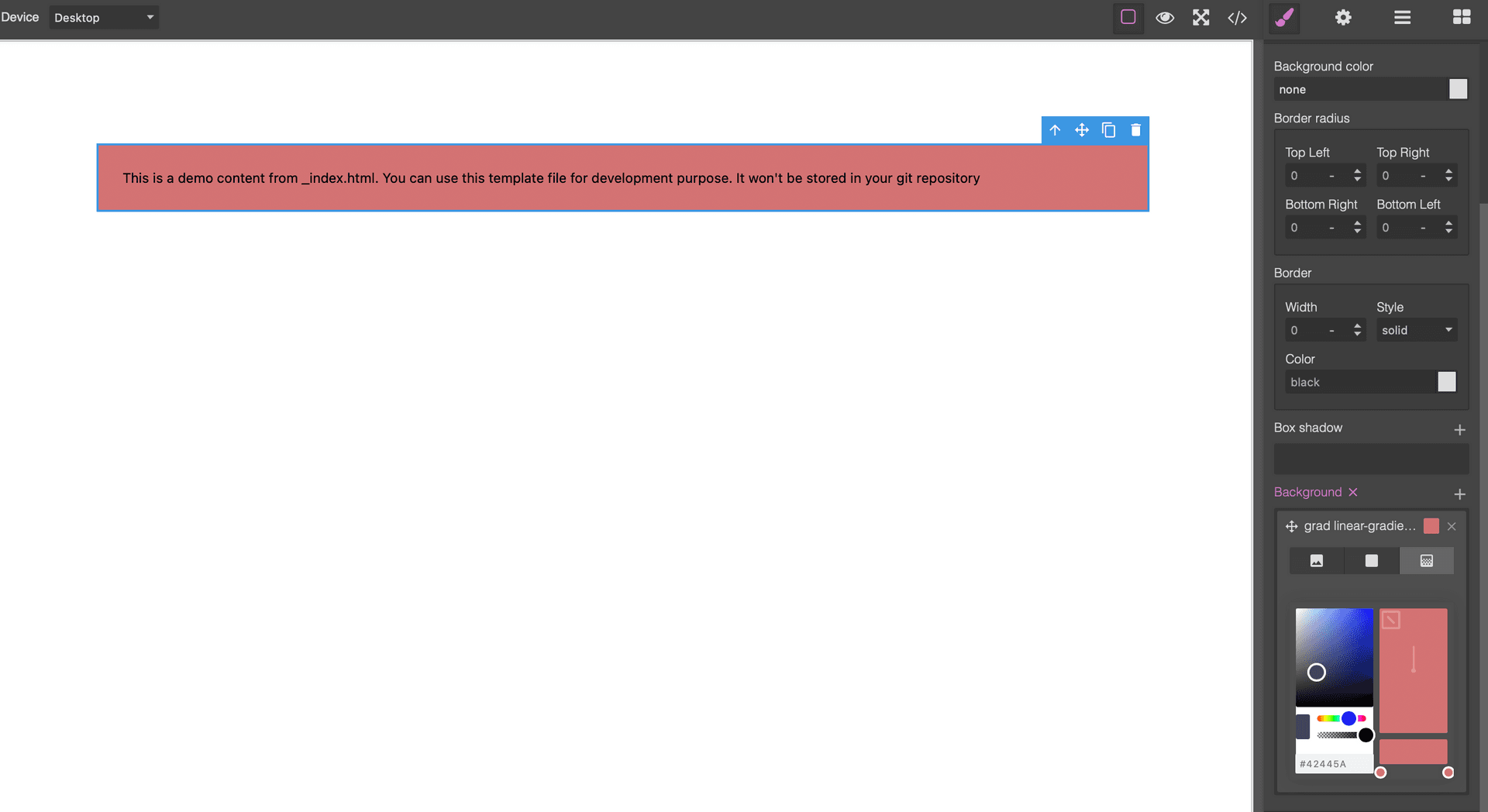
Grapesjs Style Gpickr

What's Included
- Free to download & use
- Open for personal & commercial use
Support The Creator
Use one-time or monthly support to thank the creator for this free product.
GrapesJS Compatible
Tested with GrapesJS 0.18.x, 0.19.x, 0.20.x, 0.21.x
Open Source on GitHub
Free to use, fork, and contribute
Editor Compatible
Designed for the GrapesJS open-source editor
Free to Use
Open for personal and commercial projects
Gradients are one of the few CSS values that are genuinely hard to write by hand — the syntax is fiddly and the result is impossible to predict without seeing it. This plugin adds a visual gradient picker, built on gpickr, to the GrapesJS background property.
What it changes
Instead of typing a linear-gradient() declaration, the person editing the page drags colour stops along a preview strip and sees the result immediately. The value written into the stylesheet is ordinary CSS, so nothing about your export or storage changes.
Options
gpickrOpts passes configuration straight through to gpickr, which is where you control the available gradient types, the default stops and the picker's own interface.
Setup
The picker needs gpickr's stylesheet present alongside the GrapesJS CSS. The repository's index.html shows the complete working arrangement, and it is worth following exactly: a missing stylesheet leaves the picker rendering as unstyled markup rather than failing loudly.
Good to know
Install as grapesjs-style-gpickr. It pairs naturally with the other Blocomposer style plugins, which each extend a different corner of the Style Manager.
Ratings:
No reviews yet. Be the first to share your experience.
Questions & Answers
No questions yet. Have something to ask?
Common problems this plugin can help fix
Real community questions on the same topic — see how others worked around them.