Blocks are not draggable to canvas
Question
GrapesJS version [X] I confirm to use the latest version of GrapesJS What browser are you using? Tauri Reproducible demo link Describe the bug How to reproduce the bug?... What is the expected behavior? ... What is the current behavior?** ... If is necessary to execute some code in order to reproduce the bug, paste it here below: Code of Conduct [X] I agree to follow this project's Code of Conduct
Answers (4)
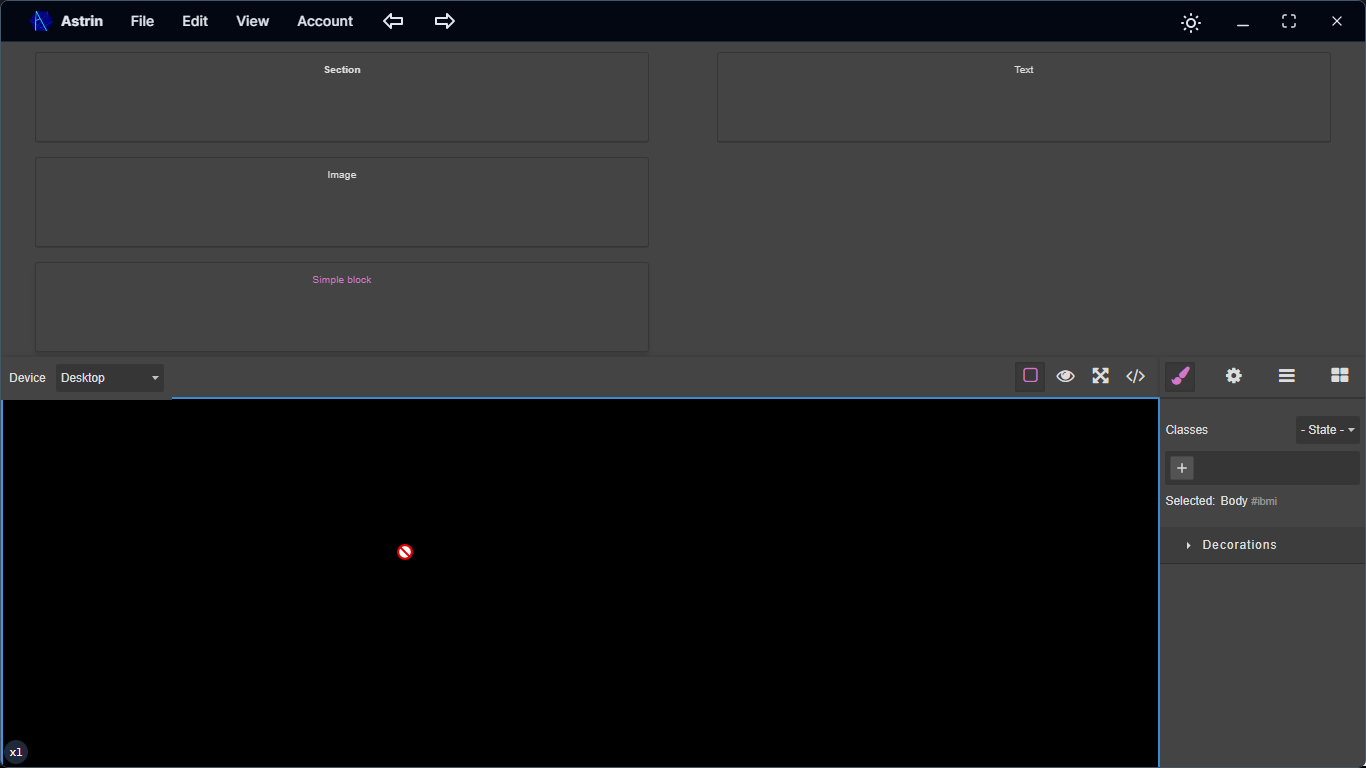
i just found out its because of webview2.Support for webview2??!
I think this is more related to some Tauri configuration instead of GrapesJS as we're using the native HTML5 drag and drop
The issue where blocks are not draggable to the canvas in your GrapesJS setup within a Next.js application is due to a common timing problem with React's useEffect hook and state management. The editor.BlockManager.add call is being executed before the editor state variable has been properly initia...
Related Questions and Answers
Continue research with similar issue discussions.
Issue #6549
Couldnt Resize image
GrapesJS version [x] I confirm to use the latest version of GrapesJS What browser are you using? Chrome Reproducible demo link https://code...
Issue #5795
How to add a addtional custom block manager like tab or section like block manager and style manager ,and add some blocks it to it?
GrapesJS version [X] I confirm to use the latest version of GrapesJS What browser are you using? chrome v9 Reproducible demo link Describe...
Issue #4208
Style click state bug in every element
GrapesJS version [X] I confirm to use the latest version of GrapesJS What browser are you using? Brave Last, tested on chrome last and Safa...
Issue #6248
ShowOffsets bug when iframe body has zoom
GrapesJS version [x] I confirm to use the latest version of GrapesJS What browser are you using? Chrome Reproducible demo link https://jsfi...
Paid Plugins That Match This Issue
Curated by issue keywords and label relevance to help you ship faster.
Loading paid plugin recommendations...
Check the open-source GrapesJS plugins on GitHub or run a quick search in our free catalog.
Browse free plugins →Premium plugins ship with support, regular updates, and production-ready features — save days of integration work.
Browse premium plugins →Related tutorials
In-depth guides on the same topic.
Tutorial
Introducing Search on GJS.Market
GJS.Market now has one search across everything we publish — plugins, articles, community questions, guides, authors and services. Press ⌘K from any page.
Tutorial
How to Build an AI-Powered Page Builder with GrapesJS in 2026
What we learned building GJSDocs — from simple AI text generation to structured, context-aware visual editing
Tutorial
How Much Does It Cost to Build a SaaS Page Builder in 2026?
How much does it cost to build a SaaS page builder in 2026? Explore realistic development costs, timelines, features, and how using GrapesJS can reduce
Browse Plugin Categories
Jump directly to plugin category pages on the marketplace.