How to show the traits manager button/panel
Hi there! i am not aware of your current page DOM structure. but i always do the customization this way: then in your editor instantiation config: same scenario goes for others like: style manager, layer manager... cheers.
Read full answer below ↓Question
Hi, I must be missing something basic, but how do I add the traits manager panel without adding a plugin?
The newsletter plugin has it added by default:
 But the editor with no plugins added does not have it:
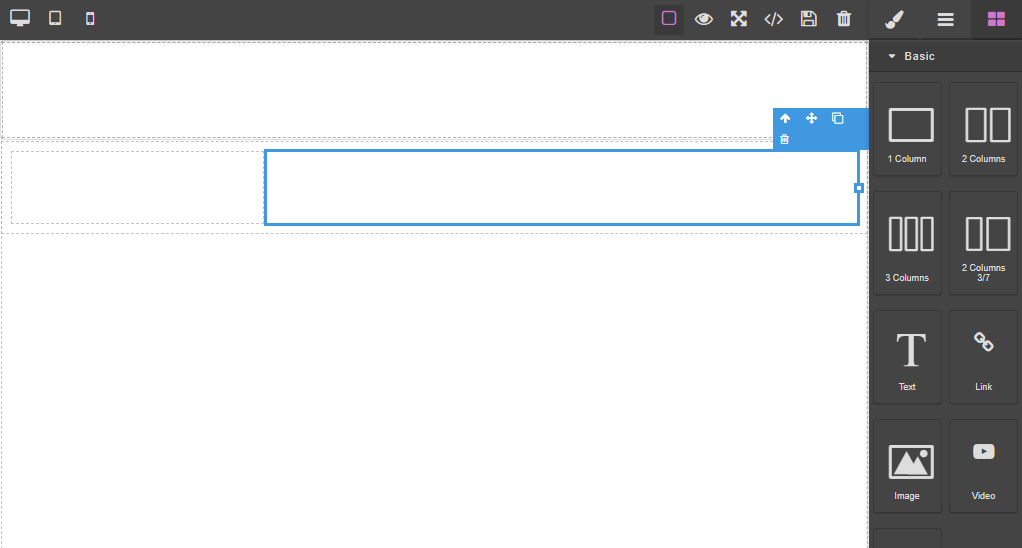
Answers (1)
Hi there! i am not aware of your current page DOM structure. but i always do the customization this way: then in your editor instantiation config: same scenario goes for others like: style manager, layer manager... cheers.
Related Questions and Answers
Continue research with similar issue discussions.
Issue #2865
Enable 'view components' button on panel by default
this button is currently off by default. so you have to turn it on every time, which is not obvious to everyone. how do you make it active...
Issue #899
Add button to selected element panel
How to add custom button to that panel:
Issue #1294
How to add category for default block manager?
@artf I want put all default blocks to category named "Basic". But I can't find any documents about it. I use editor.BlockManager.getAll()....
Issue #1869
How to add extra field in input traits
Hi, I want to add the new field in default input traits. for example:- i need to add {label: binding, name:binding} in already exist input...
Paid Plugins That Match This Issue
Curated by issue keywords and label relevance to help you ship faster.
Loading paid plugin recommendations...
Check the open-source GrapesJS plugins on GitHub or run a quick search in our free catalog.
Browse free plugins →Premium plugins ship with support, regular updates, and production-ready features — save days of integration work.
Browse premium plugins →Browse Plugin Categories
Jump directly to plugin category pages on the marketplace.