How to add link to an image?
Drag a link block, Then drag an image block inside the link block.
Read full answer below ↓Question
Hi Artur,
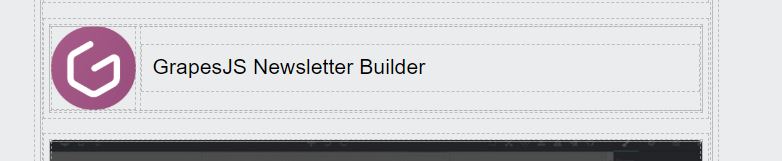 How to add a link to this image?
If i need to create a custom component, please give me some example code Artur..
How to add a link to this image?
If i need to create a custom component, please give me some example code Artur..
Thank you so much
Answers (3)
Drag a link block, Then drag an image block inside the link block.
@luvcharan you have to use "Link Block", not "Link"
Hi, Add link (href) to image in grapesjs . First we add image in grapesjs and then add link to that image, its shows " Link " text next to that image, but i was unable to add link to that image. here i am adding screenshot below, can you please help me out
Related Questions and Answers
Continue research with similar issue discussions.
Issue #1837
How to change the label of traits?
I'd like change the labels of triats which are going to be french. Could you give a piece of example code? Thank you Artur
Issue #1828
Add an additional text box for image upload modal?
Hi Artur, I'm wondering if that's possible to add some input boxes for image upload modal? I'd like to add some boxes in the red area in th...
Issue #417
Add Setting button to custom component.
Hello, How can I create a setting or you can say edit button for my custom component? LIke 4th option on this image:
Issue #1706
How to get href from rte?
I have this rte toolbar where you can type and click 'save' and it's going to create a link for the selected text. but the problem is that...
Paid Plugins That Match This Issue
Curated by issue keywords and label relevance to help you ship faster.
Loading paid plugin recommendations...
Check the open-source GrapesJS plugins on GitHub or run a quick search in our free catalog.
Browse free plugins →Premium plugins ship with support, regular updates, and production-ready features — save days of integration work.
Browse premium plugins →Browse Plugin Categories
Jump directly to plugin category pages on the marketplace.