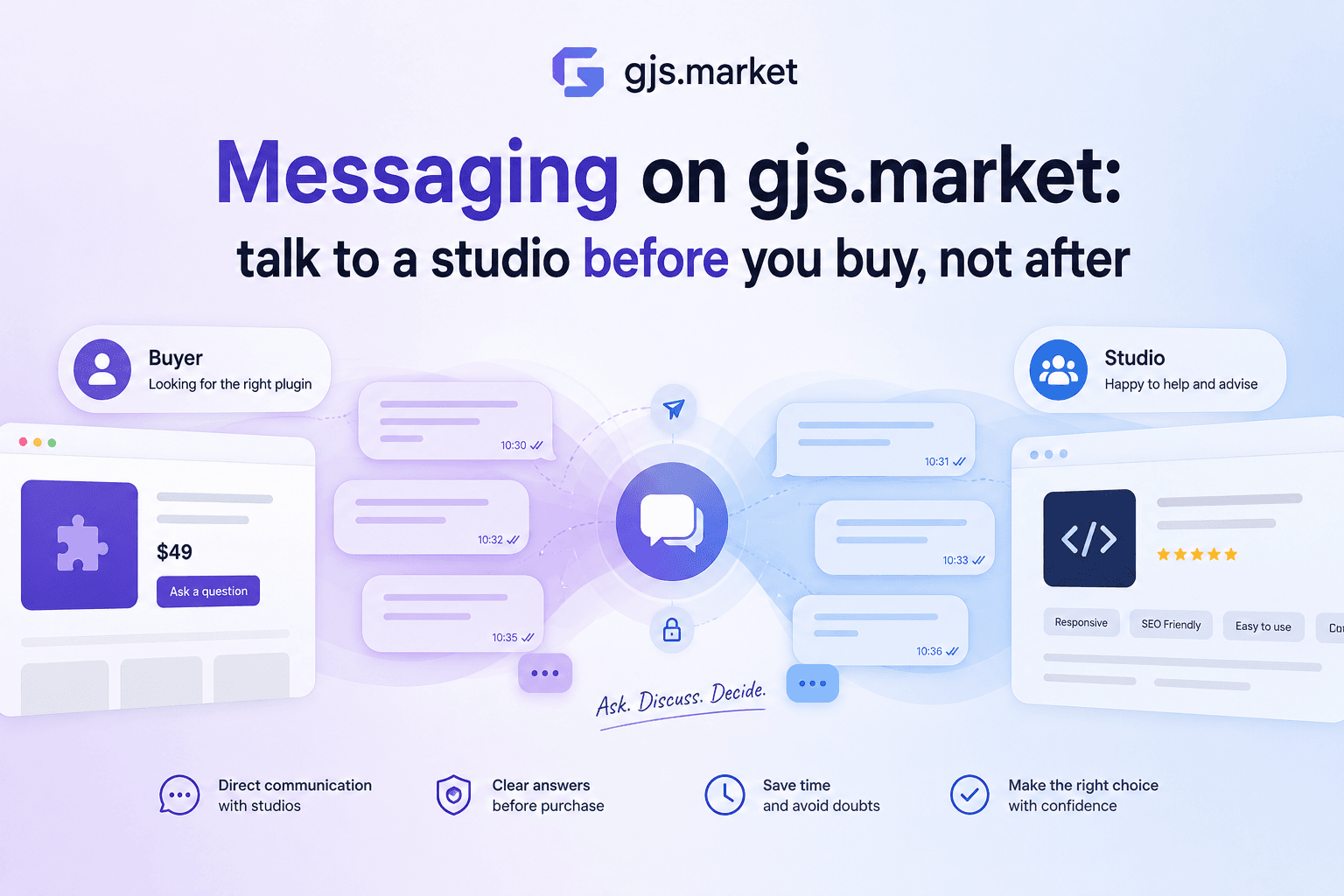

We've launched private messaging between buyers and studios. One thread per buyer–studio pair, the whole history in one place, and you can start writing from almost any page on the marketplace. Here's what shipped and why.

The problem: you could ask a question, but you couldn't have a conversation
Until now there were two ways to reach a studio, and neither fit what people actually needed.
The first was a one-off product question. It behaves like a ticket: you ask something, you get something back, and that's the end of it. You can't continue, you can't follow up, and you certainly can't come back two weeks later and find what was agreed.
The second was email. Email holds up fine for a single message. As soon as the technical details start, everything scatters: part of the context lives in the thread, part on the product page, attachments somewhere else entirely, and a month later nobody remembers which version of the plugin was being discussed.
Meanwhile, the main scenario on this marketplace isn't "buy and leave." It's the pre-sales conversation: "we run our own builder on GrapesJS, your plugin is close but not quite — can you adapt it for us?" Or: "we need an email editor, here are the requirements, what would it cost and how long would it take?" Questions like that don't fit in a single message. They need a thread — and somewhere that thread will still exist later.
So we built actual messaging rather than another contact form.
What it looks like for buyers
Write from wherever the question came up
The contact button now lives everywhere a studio appears: on the product card in the catalog, on the product page itself, on the studio page, in the blog, in your favorites, in the cart, inside your own order, and in the services section. The reasoning is simple — questions don't occur on a dedicated "contacts" page. They occur while you're looking at a plugin and realizing it's missing one option you need.
The thread opens in a modal on the page you're already on. If you've messaged this studio before, you immediately see the history and a reply field, so you don't have to navigate away and lose whatever you were looking at. Messages in an open thread refresh by polling every few seconds: replies show up on their own, but this is correspondence, not a call, and we don't want to imply anyone is obliged to answer within the second.
The product card attaches itself — and doesn't change later
Each message automatically carries the card of the product or order it's about. No need to explain in words which of six presets you mean, or paste a link.
More usefully, that card is frozen. If the product is later renamed, rewritten, or repriced, the old message still shows what it looked like when you sent it. When you come back six weeks later to check what was agreed, you see the version and the price you actually discussed — not today's.
Files, screenshots, and that first message
You can attach files and images: screenshots of your editor, a config, a mockup, a chunk of block JSON. Storage is private, and attachment links are signed and short-lived, so they shouldn't leak into search results or to third parties. Images get thumbnails, which keeps a thread from turning into a list of anonymous file names.
One limit is worth knowing up front. A first message to a studio you haven't dealt with is text only — attachments unlock once the studio replies, or once you've bought something. It's there to keep bulk junk out, and in practice it barely affects a real conversation: describe the task in words, then send the screenshots in your next message.
So nothing gets lost
There's search across all your messages, and it finds a phrase in a thread of any age. That's exactly the situation where, two months on, you need to recall what a studio said about compatibility with your GrapesJS version.
An unread counter sits in the header and in your account. Notifications go to email and Telegram — and we were careful here: if you and a studio trade forty messages in twenty minutes, you get one email, not forty.
What it looks like for studios
An inbox instead of scattered email
The studio dashboard now has a two-panel inbox: conversations on the left, the thread on the right. All client communication lives in one place, and every message already carries the product or order it refers to, so there's no round trip just to establish context.
Templates for the questions that repeat
Some questions come in week after week: version compatibility, what the license covers, how customization is priced, what you need from a client to estimate anything. Templates drop a prepared answer into the field, and you edit it for the specific client. The point isn't to sound like a bot — it's to stop retyping the same paragraph for the hundredth time and spend that effort on the part that's actually specific.
Message a client first, from their order
A studio can also start a thread, directly from an order: clarify requirements, flag a caveat, warn that the task is bigger than it looked. But a studio can only write first to someone who has ordered from them. There is no cold outreach to the buyer base — not as a policy, but as a property of how the system is built.
Response time as reputation
Studio pages show the average time to first reply. For a buyer choosing between two similar solutions, that's sometimes a stronger signal than the product description: it tells you whether a pre-purchase conversation is realistic at all.
For studios it cuts both ways. Answering quickly becomes visible rather than being invisible internal discipline.
Privacy and keeping things civil
Attachments sit in private storage and are served through signed links with a short lifetime. A file you sent to one studio doesn't become reachable at a guessable URL.
You can block someone, after which they can't write to you. Individual messages can be reported, and reports go to moderation. We expect these to see little use — the system is shaped so that messaging strangers in bulk simply isn't practical. But the tools should exist before the first unpleasant case, not after it.
What comes next
Right now the priority is understanding how this behaves on real conversations. We're watching where threads stall, which answers are missing from templates, and at what point a discussion about customization turns into an order — if it does.
The obvious directions: handling long discussions more comfortably, tuning the inbox for studios with heavy question volume, and making notifications fit different working habits. No specific promises or dates — first we want to see how it's used.
If you're already messaging studios, tell us what's annoying. That's the most useful feedback we can get at this stage.