Before you drag and drop the image,there was nothing in assetManager
@ionic666 you can read Asset API documentation here There is no image in your asset manager. It seems you haven't added it yet. You can add like this..
Read full answer below ↓Question
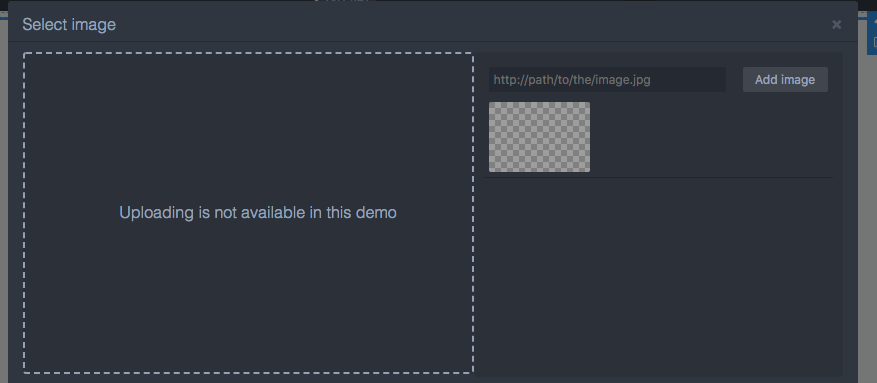 and I don't know how to set the backgroundImage
Answers (3)
@ionic666 you can read Asset API documentation here There is no image in your asset manager. It seems you haven't added it yet. You can add like this..
@ronaldaug i have done it.but I mean that if i haven't drag the image component,I cannot set background images for other components. The official demo was also not available
Maybe, you didn't add the component type as image. Make sure you add it. And you can just double click on the image to trigger the assets images box. Could you share your codes via codepen or jsfiddle? Do you mean this official demo ? I can see the images under Flex is the new black section do not...
Related Questions and Answers
Continue research with similar issue discussions.
Issue #408
How to update toolbar of component?
Hi Artf, i was added new command to editable component, update style work well but i don't know how to update this toolbar after component...
Issue #1119
Upload image has a misstake
when i drag a image into a block,then this image can not be setted,and when i click it,there is nothing
Issue #1990
Need to call method before remove the html component
Hi, I need to call the method before remove the HTML component. how can I do that calling method like editor.on('block:drag:stop', function...
Issue #1723
Replacing particular text in dropped component
Hi, I get the value from custom traits from what I entered but I don't know how to change the particular value in dropped component and ren...
Paid Plugins That Match This Issue
Curated by issue keywords and label relevance to help you ship faster.
Loading paid plugin recommendations...
Check the open-source GrapesJS plugins on GitHub or run a quick search in our free catalog.
Browse free plugins →Premium plugins ship with support, regular updates, and production-ready features — save days of integration work.
Browse premium plugins →Related tutorials
In-depth guides on the same topic.
Browse Plugin Categories
Jump directly to plugin category pages on the marketplace.