
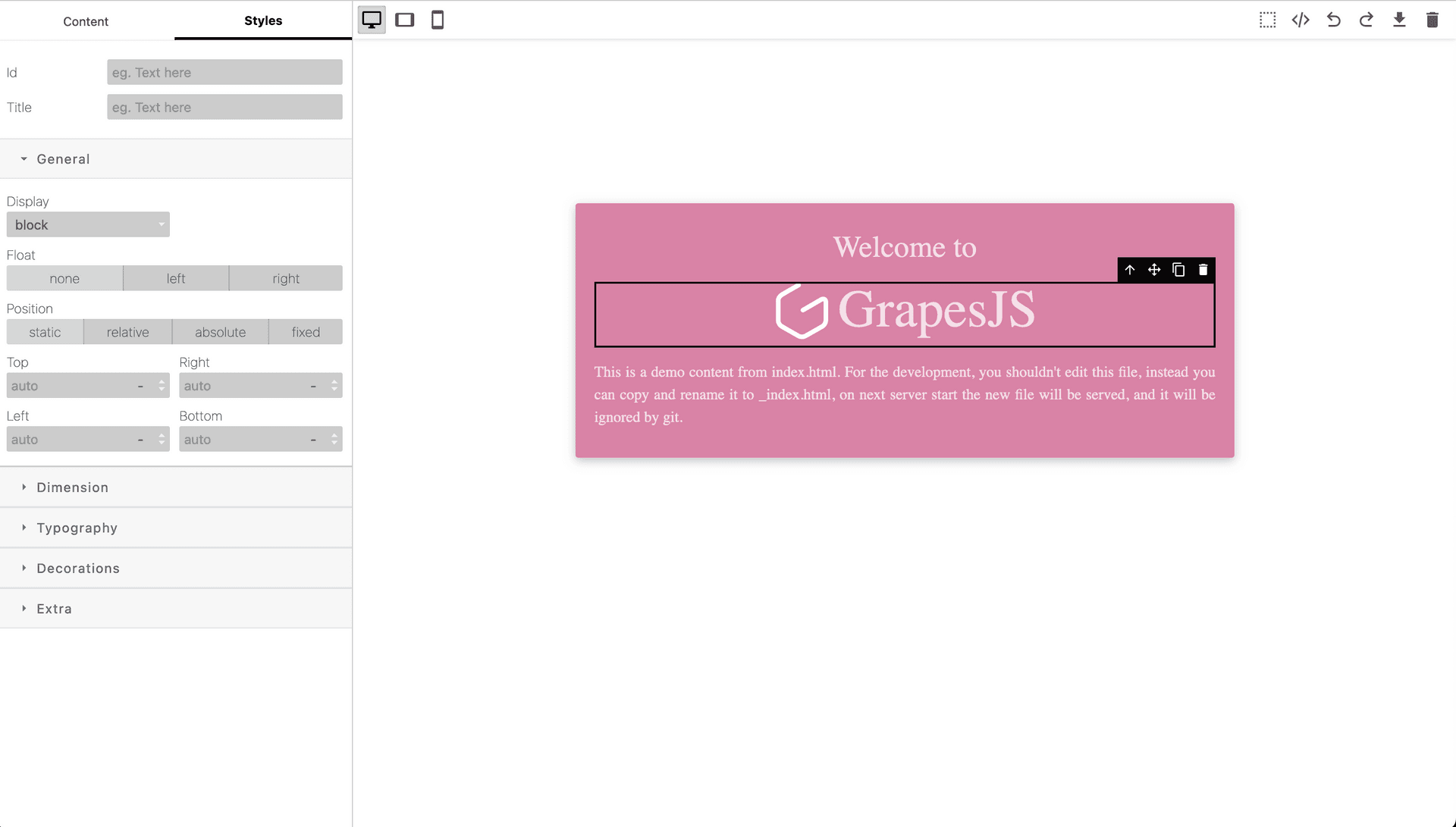
Whitener Preset GrapesJS

What's Included
- Free to download & use
- Open for personal & commercial use
Support The Creator
Use one-time or monthly support to thank the creator for this free product.
GrapesJS Compatible
Tested with GrapesJS 0.20.x, 0.19.x, 0.18.x, 0.17.x, 0.16.x, 0.22.x, 0.21.x
Free Download
Download and use in your projects for free
Editor Compatible
Designed for the GrapesJS open-source editor
Free to Use
Open for personal and commercial projects
Introducing the Whitener Preset for GrapesJS! This preset is designed to give you a clean, white look for your webpages and newsletters. With this preset, you can easily create stunning designs with full functionality. You'll have access to new positions for components and styles, as well as new styles for CodeMirror. With this preset, you can create beautiful designs with ease.
Updates:
1. New position for Components / Styles
2. New styles
3. New styles for CodeMirror
Ratings:
No reviews yet. Be the first to share your experience.
Questions & Answers
No questions yet. Have something to ask?
Common problems this plugin can help fix
Real community questions on the same topic — see how others worked around them.
- #5263✓ Solved · 4
Deleting a component without deleting its corresponding style, will adding new components later cause style conflicts?
- #5148💬 4 answers
None of the official GrapesJS plugins works with the new index.d.ts
- #4967💬 3 answers
New storage doesn't work
- #3778💬 4 answers
Select options are not displaying - new anomaly