
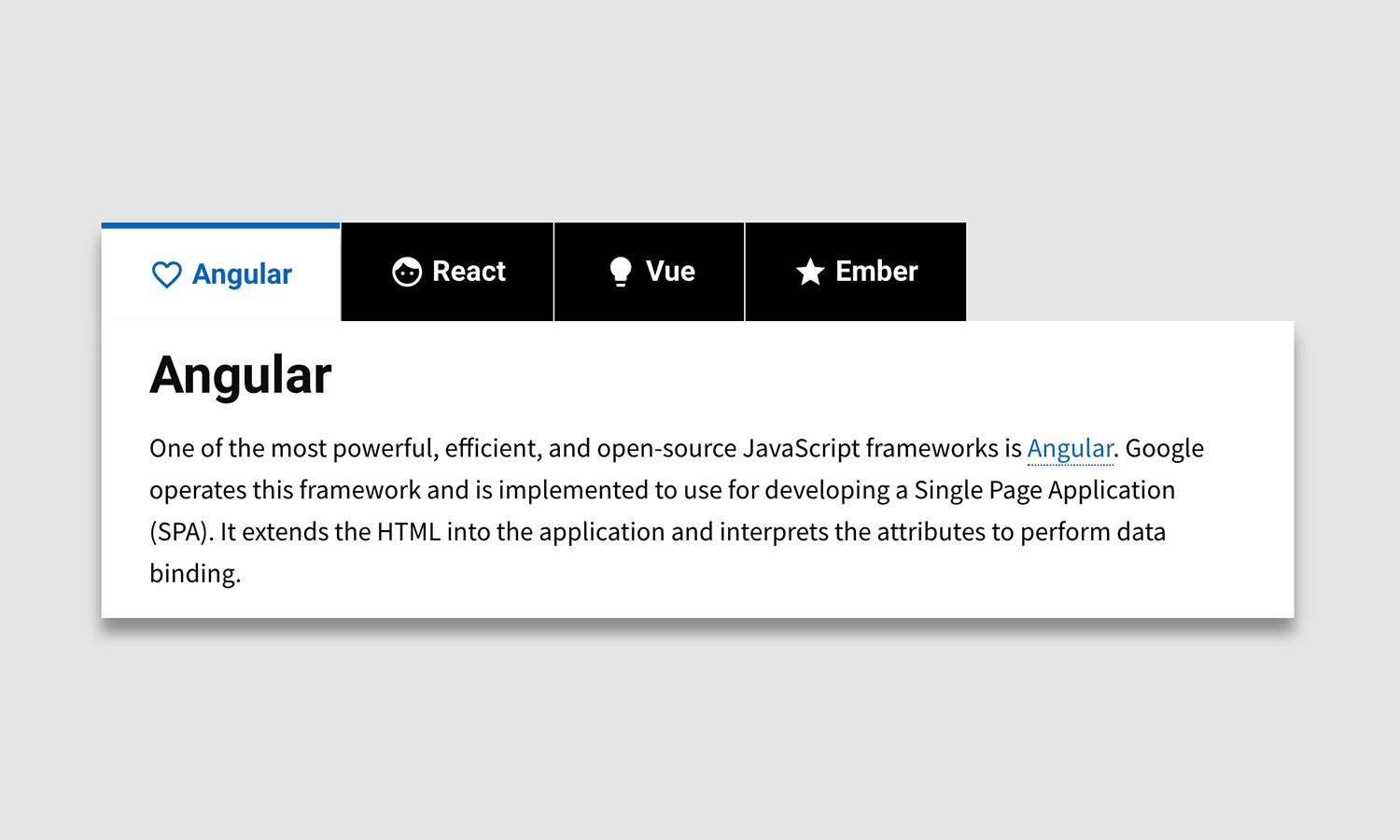
Tabs Component

What's Included
- Free to download & use
- Open for personal & commercial use
Support The Creator
Use one-time or monthly support to thank the creator for this free product.
GrapesJS Compatible
Tested with GrapesJS 0.20.x, 0.19.x, 0.18.x, 0.17.x, 0.16.x
Open Source on GitHub
Free to use, fork, and contribute
Editor Compatible
Designed for the GrapesJS open-source editor
Free to Use
Open for personal and commercial projects
Tabbed content is one of those patterns that is tedious to assemble from generic components: a button row, a set of panels, and the wiring that shows one panel at a time. This plugin adds the whole thing as a single block.
Components
The block expands into five component types, each reachable from the Layer Manager and styleable on its own:
tabs— the wrapper holding the whole widget.tab-container— the row that holds the individual tab buttons.tab— a single tab button.tab-contents— the wrapper around all panels.tab-content— one panel's content, droppable like any other container.
Because the parts are separate components rather than one opaque element, adding a fourth tab or restyling only the active state happens in the editor rather than in code.
Requirements
GrapesJS v0.13.8 or higher. Install as grapesjs-tabs; the full option list lives in the package's src/options.js. BSD-3-Clause.
Ratings:
No reviews yet. Be the first to share your experience.
Questions & Answers
No questions yet. Have something to ask?
Common problems this plugin can help fix
Real community questions on the same topic — see how others worked around them.
- #6685💬 4 answers
Custom component styles are not applied after deletion and re-addition
- #6409💬 4 answers
Cannot drag to move components on mobile
- #6271💬 4 answers
Drag and drop of components doesn't work on latest Firefox
- #6269💬 4 answers
Component model and view inits every time it's dragged over every component present in Canvas on which it can be dropped into