
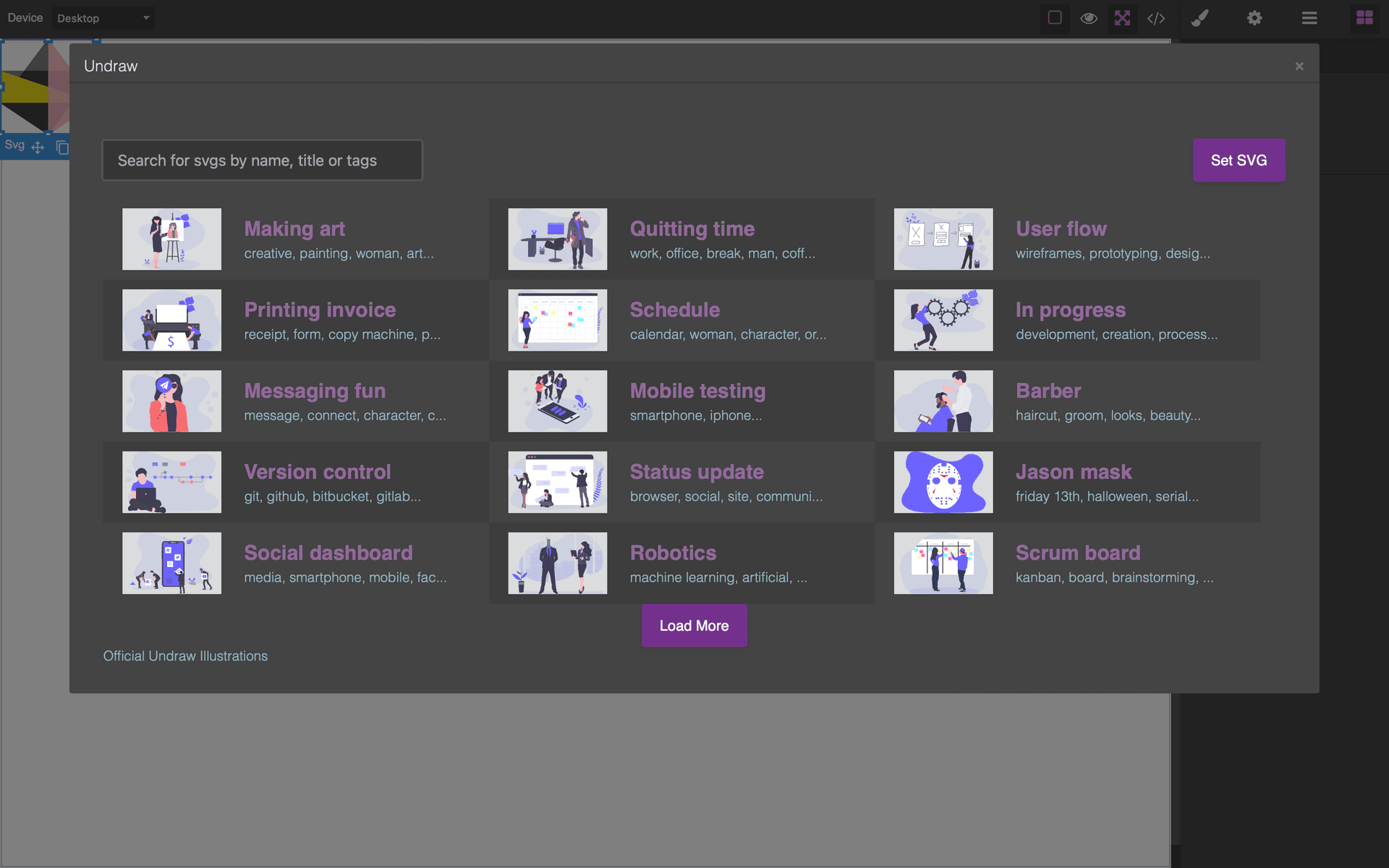
Grapesjs Undraw

What's Included
- Free to download & use
- Open for personal & commercial use
Support The Creator
Use one-time or monthly support to thank the creator for this free product.
GrapesJS Compatible
Tested with GrapesJS 0.18.x, 0.19.x, 0.20.x, 0.21.x
Open Source on GitHub
Free to use, fork, and contribute
Editor Compatible
Designed for the GrapesJS open-source editor
Free to Use
Open for personal and commercial projects
Filling a mockup with real artwork usually means leaving the editor, finding an illustration, downloading it and uploading it again. This plugin puts a searchable illustration library behind a modal in GrapesJS.
What it adds
An undraw command that opens the search modal, and an editor.Undraw API for driving it from your own code. Results are inserted as SVG, so they stay sharp at any size and can be recoloured with CSS after placement.
Options
undrawEndpoint— where illustrations are fetched from. Point it at your own host to serve a curated or offline set rather than the public CDN.modalUndrawTitle— the modal heading.undrawError— your own handler for failed fetches.
Licensing note
The plugin's own README carries a warning worth repeating: unDraw's illustrations are no longer MIT-licensed as of the repository's archive date. The plugin code and the artwork are governed separately, so check unDraw's current terms before shipping its illustrations inside a commercial product.
Good to know
Install as grapesjs-undraw.
Ratings:
No reviews yet. Be the first to share your experience.
Questions & Answers
No questions yet. Have something to ask?
Common problems this plugin can help fix
Real community questions on the same topic — see how others worked around them.
- #6685💬 4 answers
Custom component styles are not applied after deletion and re-addition
- #6152💬 4 answers
CSS added via custom code persists after custom code component is removed
- #6102✓ Solved · 3
Traits Not Displayed After Reloading Editor for Custom Component
- #6081💬 3 answers
Custom Component not able to visible in grapsJs/studio at first rendering