Unable to create a popup by using bootbox or any other way.
Got my answer- I have used parent keyword. parent.bootbox.alert('Hi');
Read full answer below ↓Question
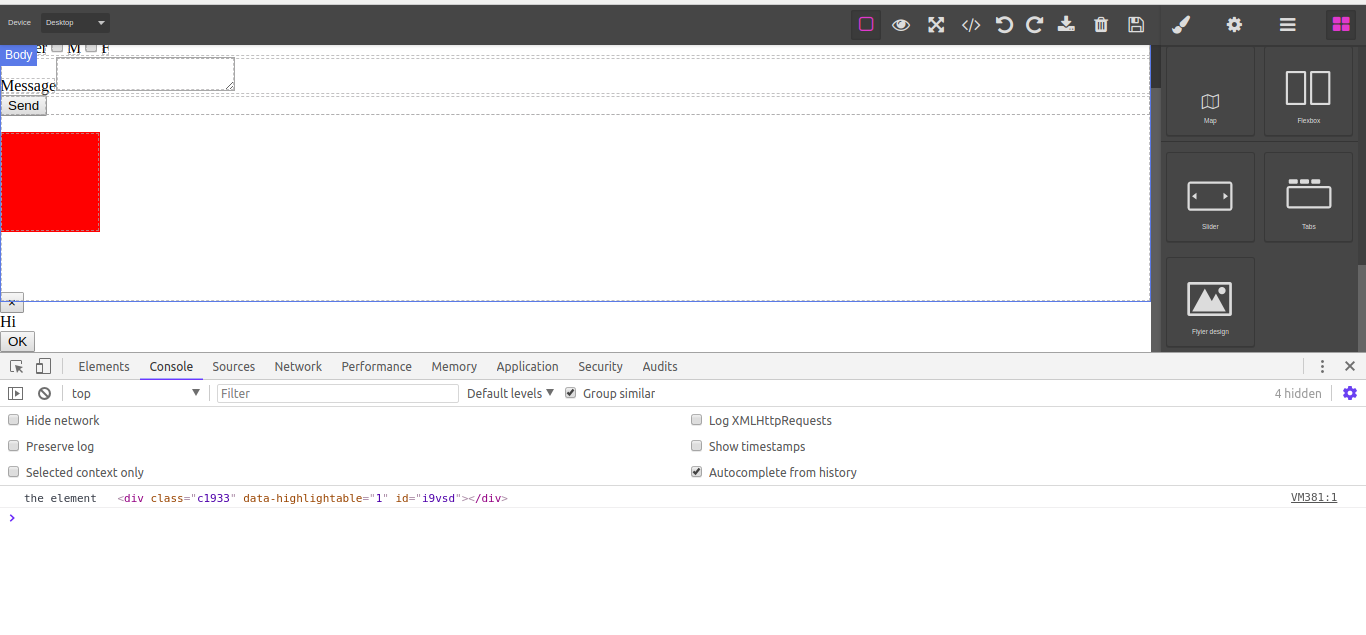
Unable to create bootbox popup. Below is my code:- var blockManager = editor.BlockManager; blockManager.add('design', { label: 'Design', content: { script: "bootbox.alert('Hi'); console.log('the element', this)", // script: function () { // bootbox.alert({ // title: 'A custom dialog with buttons and callbacks', // message: "<p>This dialog has buttons. Each button has it's own callback function.</p>", // }); // }, // Add some style just to make the component visible style: { width: '100px', height: '100px', 'background-color': 'red', } }, attributes: {class: 'gjs-fonts gjs-f-image gjs-block gj...
Answers (3)
Got my answer- I have used parent keyword. parent.bootbox.alert('Hi');
This thread has been automatically locked since there has not been any recent activity after it was closed. Please open a new issue for related bugs.
Related Questions and Answers
Continue research with similar issue discussions.
Issue #792
Script property using function don't work with blocks
In Components & JS docs there's this example: This works perfectly. But I couldn't use a function instead of a string in script, as is said...
Issue #634
How can I pass content with script?
I made custom component like this way and used script as well then script is working fine but I am not able to select component. Is there a...
Issue #1584
Not getting the Script of Block from editor.getComponents()
Below is the Component that I'm adding. this.editor.BlockManager.add('dob-mmyy-pii', { id: 'dob-mmyy', label: DOB (MM, YYYY) (PII), categor...
Issue #1386
Is there any "Resize event" for components?
I want to read the resize event when an element is triggered for resizing. My current Code looks like this, editor.on("component:resize", f...
Paid Plugins That Match This Issue
Curated by issue keywords and label relevance to help you ship faster.
Loading paid plugin recommendations...
Check the open-source GrapesJS plugins on GitHub or run a quick search in our free catalog.
Browse free plugins →Premium plugins ship with support, regular updates, and production-ready features — save days of integration work.
Browse premium plugins →Related tutorials
In-depth guides on the same topic.
Browse Plugin Categories
Jump directly to plugin category pages on the marketplace.