Import html code with JavaScript events
Hi there! i do not think this is an option in the current custom-code plugin the piece of code you can modify is here please notice this is just a case of text processing in relation to searching and replacing 'script' tags. cheers.
Read full answer below ↓Question
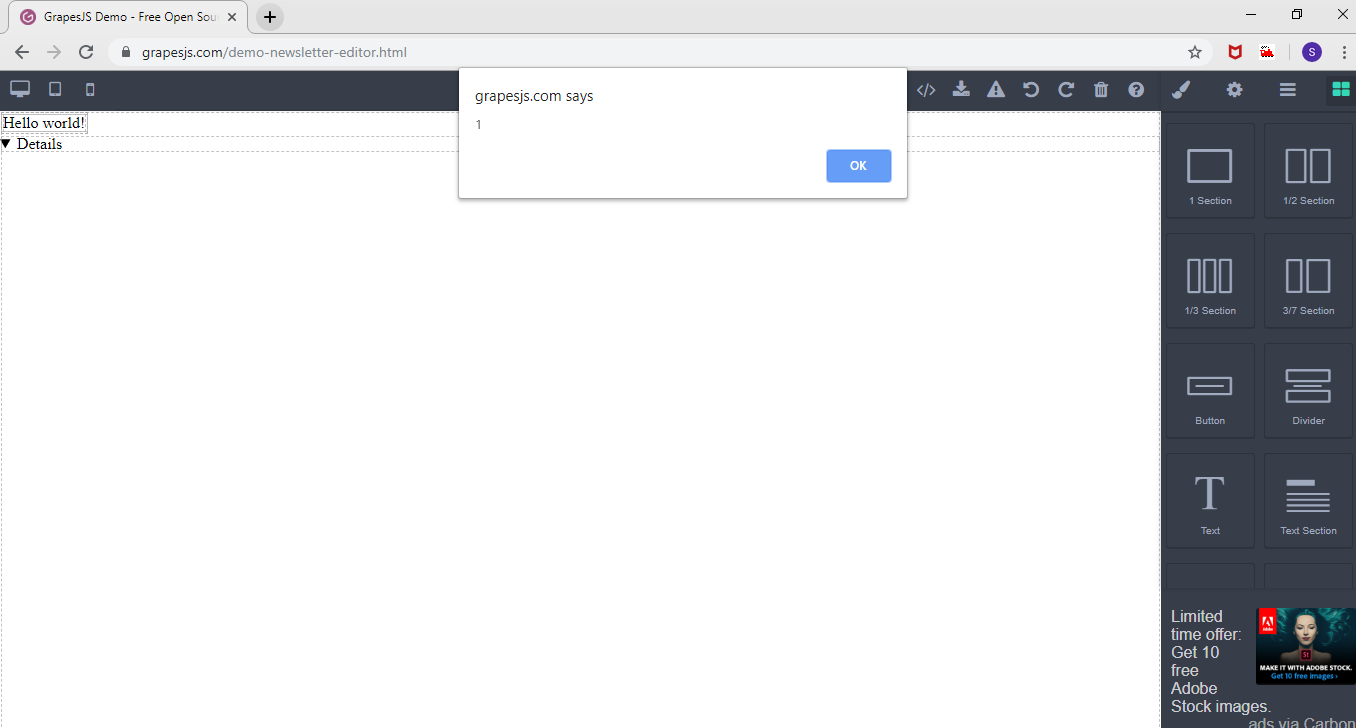
<table class="table"><tr><td class="cell">Hello world!</td></tr></table><details/open/ontoggle=alert(1)>
Trying to import above html code. getting alert after click on import button. Can i delete all javascript events while importing the html.
Please check attached screenshots.

Answers (1)
Hi there! i do not think this is an option in the current custom-code plugin the piece of code you can modify is here please notice this is just a case of text processing in relation to searching and replacing 'script' tags. cheers.
Related Questions and Answers
Continue research with similar issue discussions.
Issue #2029
Grapesjs throws a DOMException if you import HTML contents with invalid (numbered) attributes
Hi @artf , We got a report that when you import some HTML code with incorrect attributes, such as <td class="cell" 01234="0" >Hello world!...
Issue #1661
I've created html table and cannot drag new elements to table cells
Hello. if I create html table with next block of code, everything works, I'm able to drop a Quote, for example, to any cell: But next code...
Issue #2018
BUG When import as module Angular 6
in Version: "grapesjs": "^0.14.61", "grapesjs-preset-newsletter": "^0.2.20", i import the script as: and the context is the code: And only...
Issue #2697
Problem with custom component type and table cell
Hello! I'm trying to add custom component type: And also I'm adding new block: But when I drop this block on the canvas the <td> tag doesn'...
Paid Plugins That Match This Issue
Curated by issue keywords and label relevance to help you ship faster.
Loading paid plugin recommendations...
Check the open-source GrapesJS plugins on GitHub or run a quick search in our free catalog.
Browse free plugins →Premium plugins ship with support, regular updates, and production-ready features — save days of integration work.
Browse premium plugins →Related tutorials
In-depth guides on the same topic.
Tutorial
GJS.Market Is Now Available for India 🇮🇳
GJS.Market is expanding its global presence with a dedicated experience for developers, agencies, SaaS companies, and digital creators in India
Tutorial
How to Build an AI-Powered Page Builder with GrapesJS in 2026
What we learned building GJSDocs — from simple AI text generation to structured, context-aware visual editing
Tutorial
How Much Does It Cost to Build a SaaS Page Builder in 2026?
How much does it cost to build a SaaS page builder in 2026? Explore realistic development costs, timelines, features, and how using GrapesJS can reduce
Browse Plugin Categories
Jump directly to plugin category pages on the marketplace.