
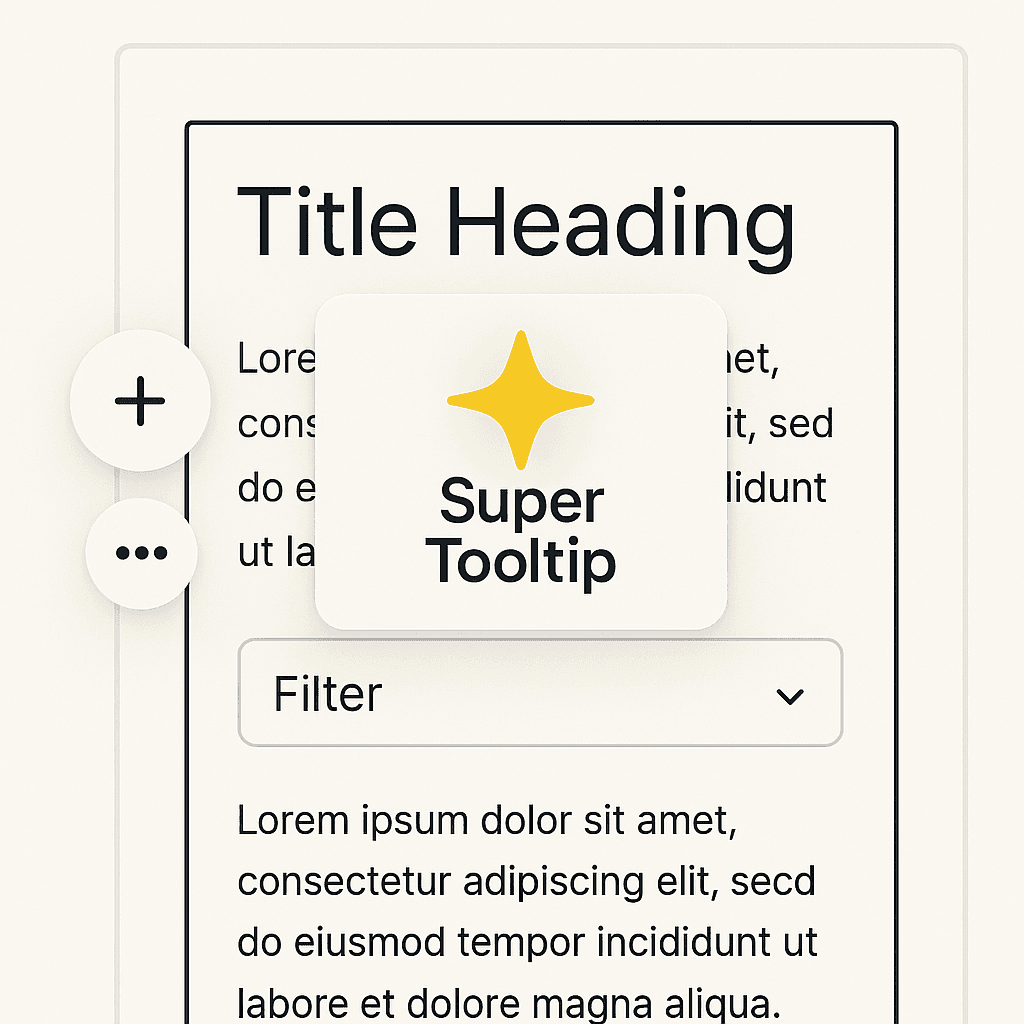
Super Tooltip for GrapesJS

What's Included
- Source code package (project files)
- Production-ready dist build
- Commercial license
- Future updates included
GrapesJS Compatible
Tested with GrapesJS 0.22.x, 0.21.x, 0.20.x, 0.19.x, 0.18.x, 0.17.x
Source Code Included
Full source + production-ready dist build
Editor Compatible
Designed for the GrapesJS open-source editor
Commercial License
Use in client projects without restrictions
Enhance component interactions with smart, floating UI tooltips and contextual menus.
Super Tooltip is a UX-focused plugin for GrapesJS that adds floating icons and contextual menus near selected components. It simplifies common actions with clean keyboard shortcuts and provides a polished in-canvas editing experience.
✨ Features
-
Floating “Add Component” and “More Options” Buttons
Intuitively placed icons appear next to selected components for quick access. -
Keyboard Shortcuts
Perform actions like:-
Cmd/Ctrl + D: Add component -
Cmd/Ctrl + F: Open more options -
Cmd/Ctrl + E: Select parent -
Cmd/Ctrl + ↑ / ↓: Move component -
Cmd/Ctrl + S: Duplicate -
Del: Delete
-
-
Tooltip System
Smooth tooltips with shortcuts appear on hover, enhancing usability without clutter. -
Animated Context Menus
-
Block insertion with filterable search
-
“Convert To” submenu for live component replacement
-
Actions like move, delete, duplicate, select parent — all keyboard accessible
-
-
Integrated with
BlockManager
Dynamically pulls available blocks with SVG/icon preview and content injection.
Logs:
Version 0.1.5 - Updated the position for buttons and updated to GrapesJS 0.22.x
Version 0.1.3 - Adding Moving Icon and Fixing issue with menu positions
Version 0.1.1 - "Add component" & "More options" & Short keys
Ratings:
1 reviews
Product Reviews (0)
No Reviews Found
Questions & Answers
No questions yet. Have something to ask?
Common problems this plugin can help fix
Real community questions on the same topic — see how others worked around them.