
Plugin Navbar

What's Included
- Free to download & use
- Open for personal & commercial use
Support The Creator
Use one-time or monthly support to thank the creator for this free product.
GrapesJS Compatible
Tested with GrapesJS 0.19.x, 0.18.x, 0.17.x, 0.16.x
Open Source on GitHub
Free to use, fork, and contribute
Editor Compatible
Designed for the GrapesJS open-source editor
Free to Use
Open for personal and commercial projects
Every site needs navigation, and building one from raw components means nesting a container, a link list and a mobile toggle by hand each time. This plugin adds it as a single block.
Components
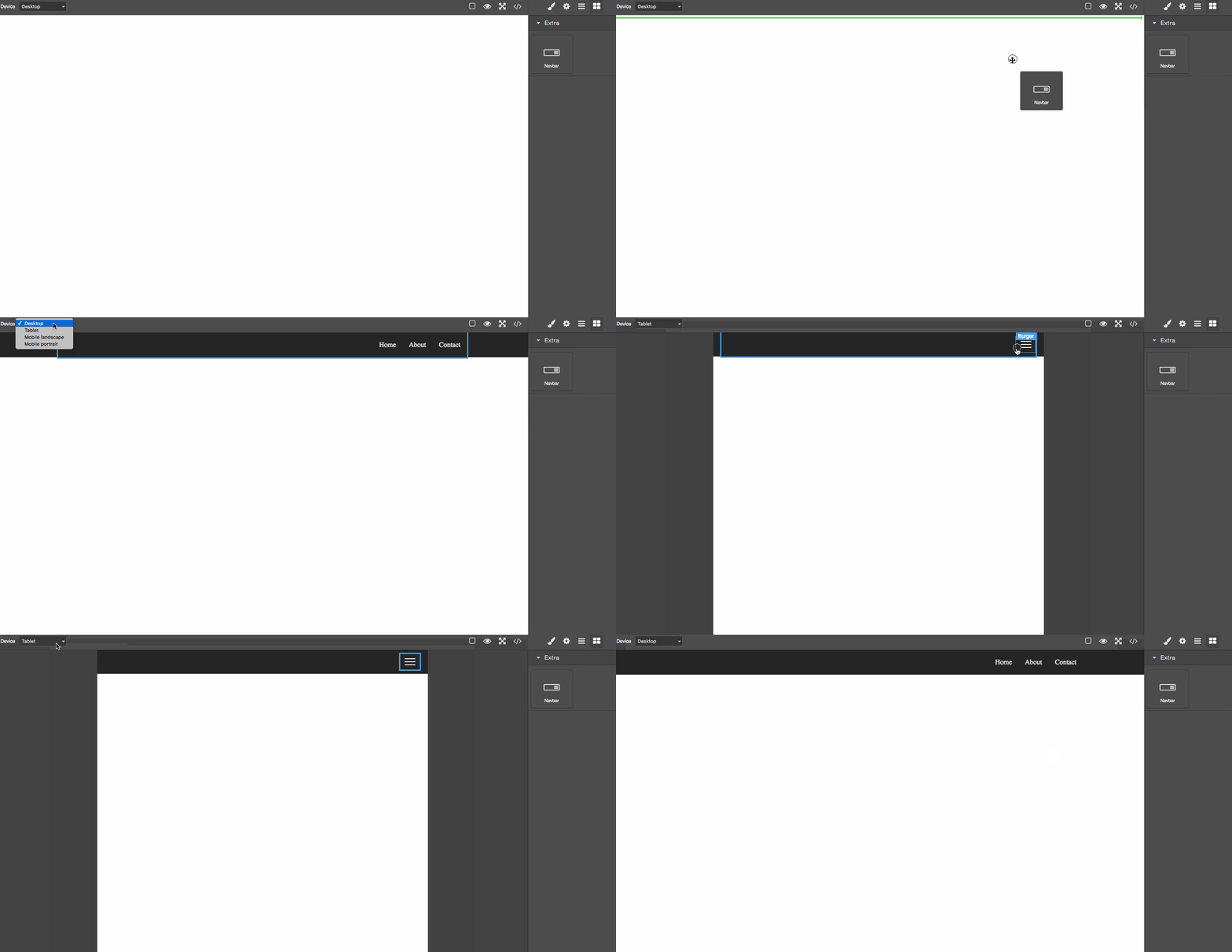
The navbar is not one opaque element — it is six addressable components, so the Layer Manager and Style Manager can reach each part: navbar, navbar-container, navbar-nav-menu, navbar-nav-menu-link, navbar-burger-menu and navbar-burger-menu-line. Links are added, removed and restyled individually, and the burger menu handles the narrow breakpoint.
Options
idandlabel— the identifier and display name used for the block and component, ifnavbarandNavbarclash with your own naming.block— extend the default block definition, for example to move it into another category. Pass a falsy value to register the component without adding a block.style— replace the plugin's CSS entirely with your own.styleAdditional— append rules to the default styles instead of replacing them.classPrefix— change thenavbarclass prefix so generated class names match your design system.
Good to know
Install as grapesjs-navbar from npm or unpkg. BSD-3-Clause.
Ratings:
No reviews yet. Be the first to share your experience.
Questions & Answers
No questions yet. Have something to ask?
Common problems this plugin can help fix
Real community questions on the same topic — see how others worked around them.