
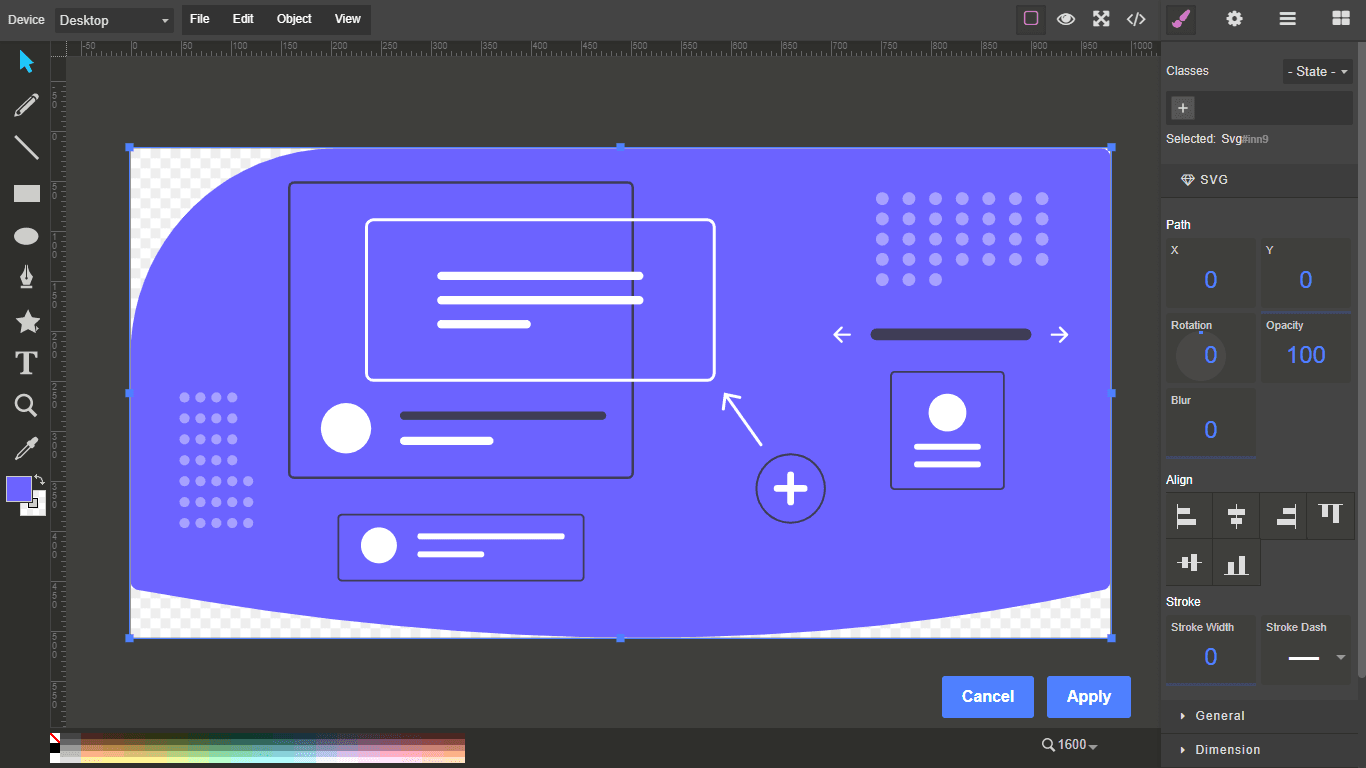
Grapesjs SVG Editor

What's Included
- Free to download & use
- Open for personal & commercial use
Support The Creator
Use one-time or monthly support to thank the creator for this free product.
GrapesJS Compatible
Tested with GrapesJS 0.17.x, 0.18.x, 0.19.x
Open Source on GitHub
Free to use, fork, and contribute
Editor Compatible
Designed for the GrapesJS open-source editor
Free to Use
Open for personal and commercial projects
Vector artwork usually arrives as a finished file and stays that way — change the colour of one path and you are back in a design tool. This plugin embeds Method Draw, an open-source SVG editor, directly into GrapesJS so SVGs can be imported, edited and exported in place.
What it adds
An SVG block, and a command — mdraw-svg-editor by default — that opens the editor for the selected component.
Required setup
Method Draw is not bundled. You must include method-draw.compiled.css, jquery.js and method-draw.compiled.js in your page head, and copy Method Draw's own markup into your HTML. The plugin's repository ships an index.html to use as a reference, together with the minimum directory structure required: css, extensions, images and lib.
Options
svgBlock configures the block, constructor points at the Method Draw instance (window.methodDraw by default), extensions and config pass through to SvgEdit and Method Draw, and onApply replaces the save behaviour. labelApply, labelClose and toolbarIcon cover the interface text.
Known issue
The author notes conflicting key bindings between GrapesJS and Method Draw. The plugin is marked work-in-progress.
Ratings:
No reviews yet. Be the first to share your experience.
Questions & Answers
No questions yet. Have something to ask?
Common problems this plugin can help fix
Real community questions on the same topic — see how others worked around them.
- #6102✓ Solved · 3
Traits Not Displayed After Reloading Editor for Custom Component
- #5705💬 4 answers
Component tools misalign when the editor is resized
- #4503💬 4 answers
Missing inline styles used by CKEditor when adding raw html components
- #4335💬 3 answers
No way to upload background video component in the editor , Please suggest if there is any way to upload background video