
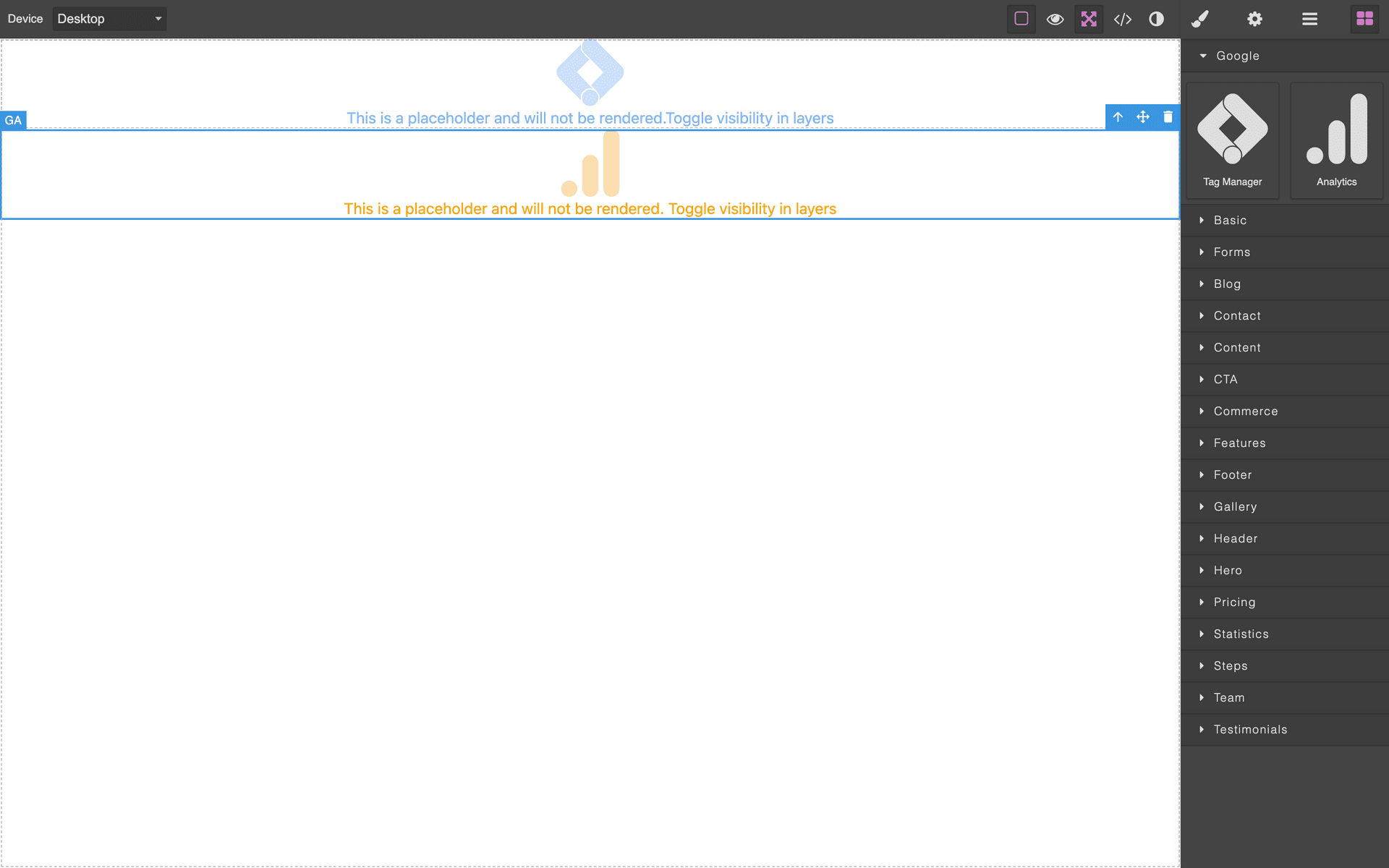
Grapesjs GA

What's Included
- Free to download & use
- Open for personal & commercial use
Support The Creator
Use one-time or monthly support to thank the creator for this free product.
GrapesJS Compatible
Tested with GrapesJS 0.18.x, 0.19.x, 0.20.x, 0.21.x
Open Source on GitHub
Free to use, fork, and contribute
Editor Compatible
Designed for the GrapesJS open-source editor
Free to Use
Open for personal and commercial projects
Analytics snippets are the classic thing that gets pasted into a page and then lost on the next edit. This plugin turns them into blocks, so the tracking code is a component in the tree with its ID editable from the Settings panel.
What it adds
- Components
gaandgtm. - Blocks
ga-blockandgtm-block, both filed under aGooglecategory by default.
Options
gaId— the measurement ID from your Google Analytics dashboard, used as the block's default.gtmId— the container ID from Google Tag Manager.gaLabelandgtmLabel— the block labels,AnalyticsandTag Managerby default.gaCategoryandgtmCategory— the Block Manager categories.gaBlock,gtmBlock,gaComponentandgtmComponent— extend the block definitions and component models.
Why it matters
Presetting the IDs through options means the person building the page never has to see or handle a tracking snippet — they drag the block in and it already points at the right property. That removes a common cause of silent analytics failure.
Good to know
Install as grapesjs-ga.
Ratings:
No reviews yet. Be the first to share your experience.
Questions & Answers
No questions yet. Have something to ask?
Common problems this plugin can help fix
Real community questions on the same topic — see how others worked around them.
- #1770✓ Solved · 3
Components with custom tag are not rendered if specified in theme body
- #5795💬 2 answers
How to add a addtional custom block manager like tab or section like block manager and style manager ,and add some blocks it to it?
- #612💬 2 answers
Urgent : Duplicate other blocks when used custom asset manager
- #2296✓ Solved · 1
How to customize StyleManager input components?