
Custom Code

What's Included
- Free to download & use
- Open for personal & commercial use
Support The Creator
Use one-time or monthly support to thank the creator for this free product.
GrapesJS Compatible
Tested with GrapesJS 0.20.x, 0.19.x, 0.18.x, 0.17.x, 0.16.x
Open Source on GitHub
Free to use, fork, and contribute
Editor Compatible
Designed for the GrapesJS open-source editor
Free to Use
Open for personal and commercial projects
Sooner or later someone needs to drop a third-party embed into a page — an analytics snippet, a chat widget, a payment form. This plugin gives them a safe place to do it without opening the code editor for the whole document.
What it adds
- A
custom-codeblock and component. - A
custom-code:open-modalcommand, plus a toolbar button on the component that opens it.
Inside the canvas
Scripts cannot execute inside the editor canvas the way they will on the published page, so the component renders a placeholder in their place. placeholderScript controls what that placeholder looks like.
Options
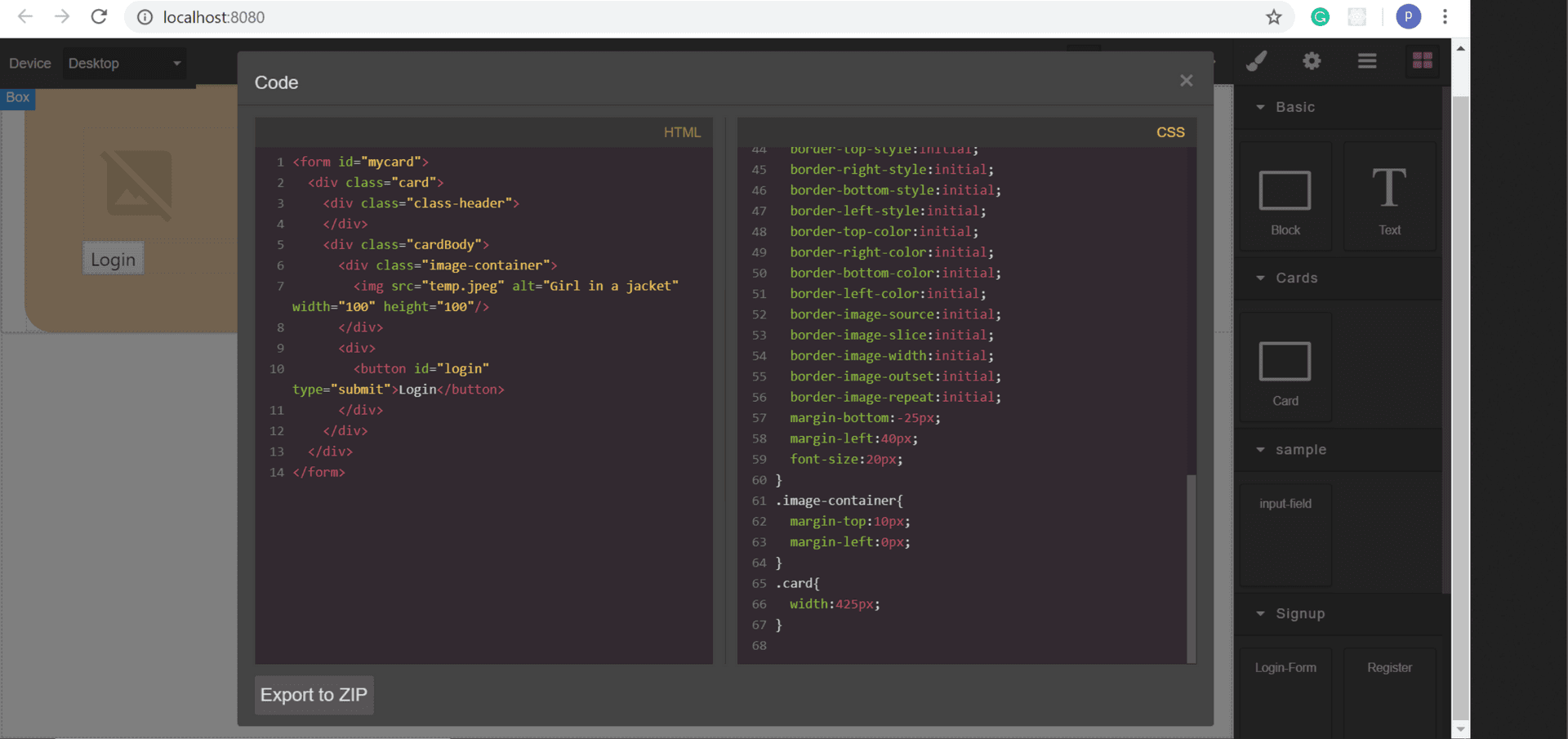
modalTitle— the modal heading, defaulting toInsert your code.codeViewOptions— options passed to the code viewer, such as its theme or read-only state.buttonLabel— the save button label.blockCustomCodeandpropsCustomCode— extend the block and the component definition; pass a falsy block value to register the component without adding a block.toolbarBtnCustomCode— extend or suppress the component toolbar button.commandCustomCode— override the command's own methods.
Requirements
GrapesJS v0.14.25 or higher. Install as grapesjs-custom-code. BSD-3-Clause.
Ratings:
No reviews yet. Be the first to share your experience.
Questions & Answers
No questions yet. Have something to ask?
Common problems this plugin can help fix
Real community questions on the same topic — see how others worked around them.
- #6308💬 3 answers
React Custom UI `Modal` Unable to display `Code`
- #6152💬 4 answers
CSS added via custom code persists after custom code component is removed
- #6092💬 3 answers
@artf , I have a question that , can we implement custom js in studio? means is there any embed js code functionality ?
- #3286💬 3 answers
Codemirror custom keys and addons