Help Wanted
@suchithmahadi GrapesJS just comes with a default UI that you can easily change with JS and CSS
Read full answer below ↓Question
Hello,
2 queries :
-
How to Add a LOGO as in Demo webpage.
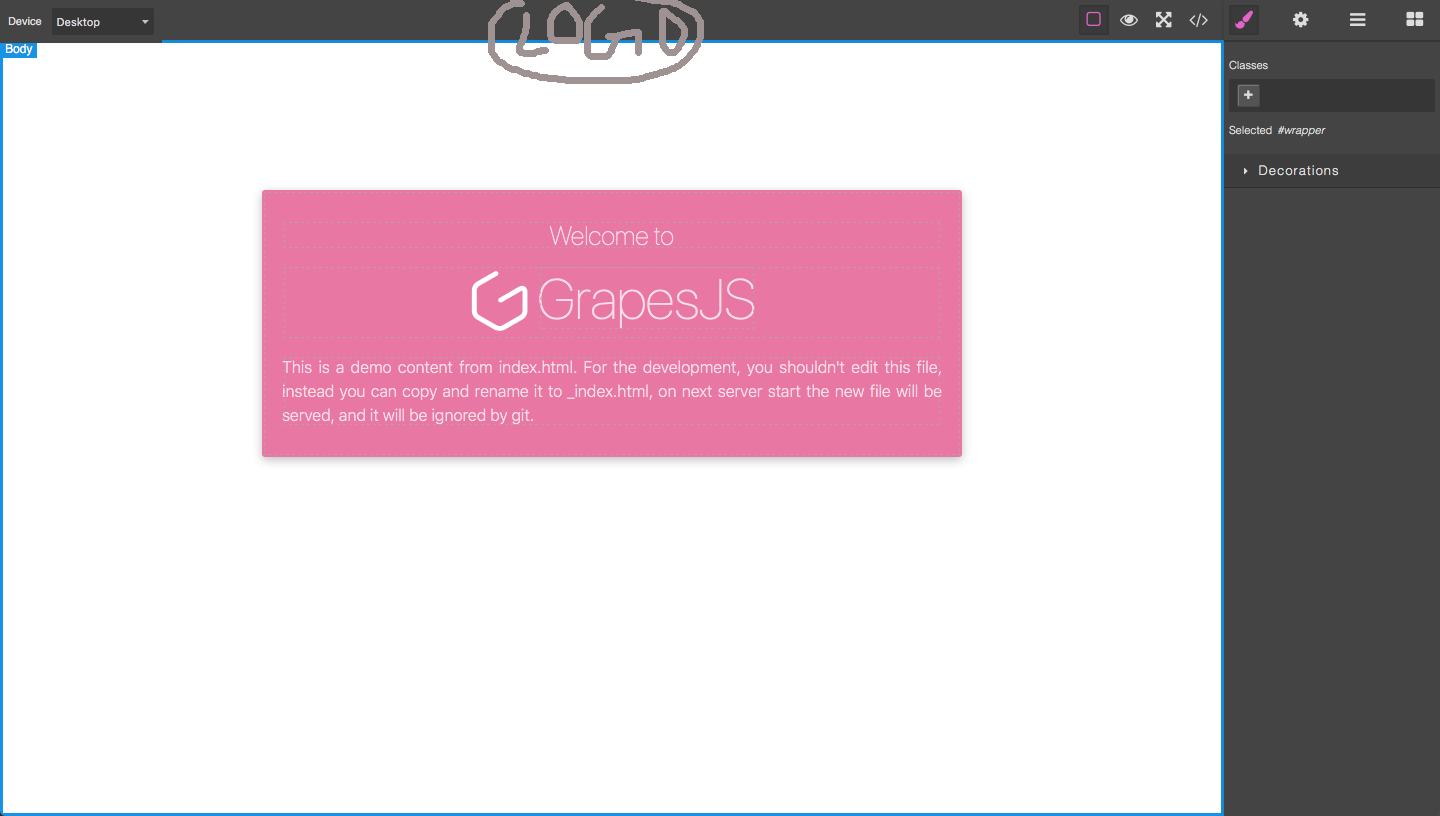
-
How to move the block manager, Style Manager from Right Side to Left Side.
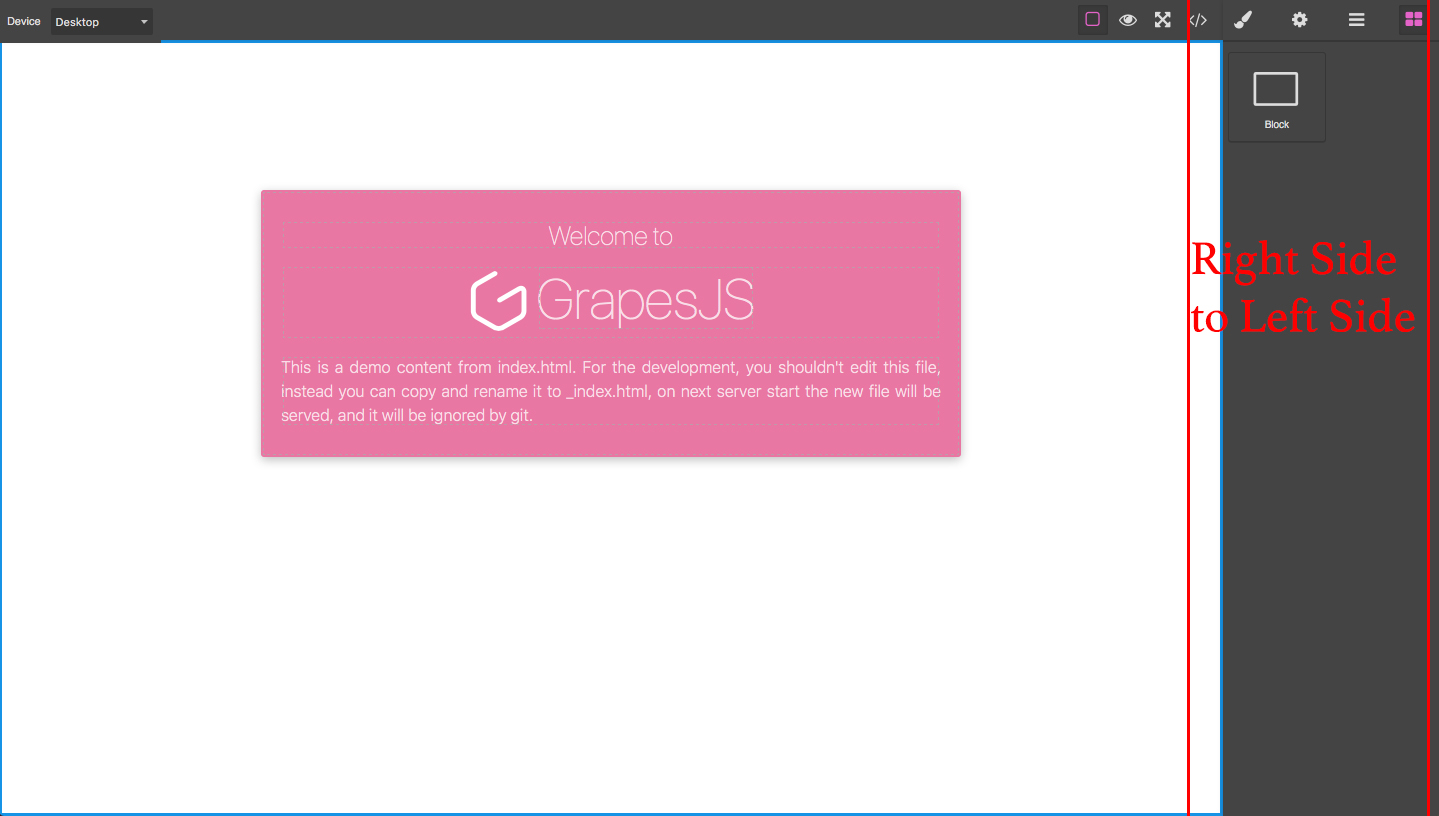
Thanks.
Answers (3)
@suchithmahadi GrapesJS just comes with a default UI that you can easily change with JS and CSS
@artf Thanks for the reply, At least if you can suggest where exactly to change will be helpful.
Thanks.
@suchithmahadi something like
$('.fa-th-large').remove();
You can put it after grapesjs init
Related Questions and Answers
Continue research with similar issue discussions.
Issue #377
Default newsletter blocks
can anyone tell how to add default newsletter blocks used in newsletter-demo. please help @artf Thanks in advance
Issue #1434
Toolbar Hide text element
@artf Please check you demo page text is hiding under the toolbar. how can we update the toolbar position?
Issue #1514
How to add video block on blockManager
Hello All. i want to add a video block on blockmanager same as mentioned on below snapshot i am using following code for adding video block...
Issue #1294
How to add category for default block manager?
@artf I want put all default blocks to category named "Basic". But I can't find any documents about it. I use editor.BlockManager.getAll()....
Paid Plugins That Match This Issue
Curated by issue keywords and label relevance to help you ship faster.
Loading paid plugin recommendations...
Check the open-source GrapesJS plugins on GitHub or run a quick search in our free catalog.
Browse free plugins →Premium plugins ship with support, regular updates, and production-ready features — save days of integration work.
Browse premium plugins →Related tutorials
In-depth guides on the same topic.
Browse Plugin Categories
Jump directly to plugin category pages on the marketplace.