Wrong position for datapicker and element controls
To the color position issue refer to this one https://github.com/artf/grapesjs/issues/1533#issuecomment-432146597
Read full answer below ↓Question
[Bug]: Hello, I integrated grapes js into an asp.net core / angular project I have two problems:
-
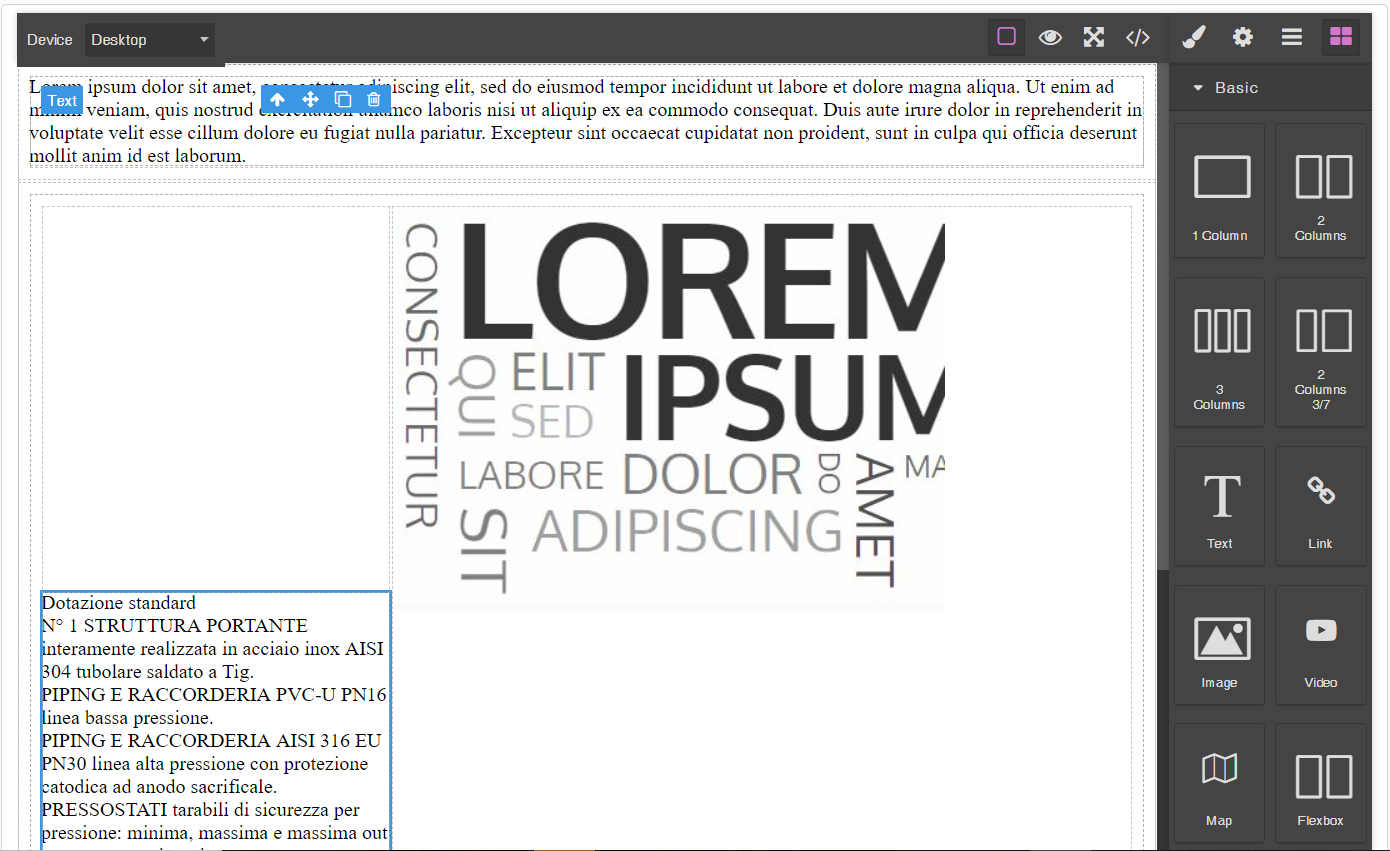
Randomly after adding blocks the toolbar and the highlighter are displayed in wrong positions.
-
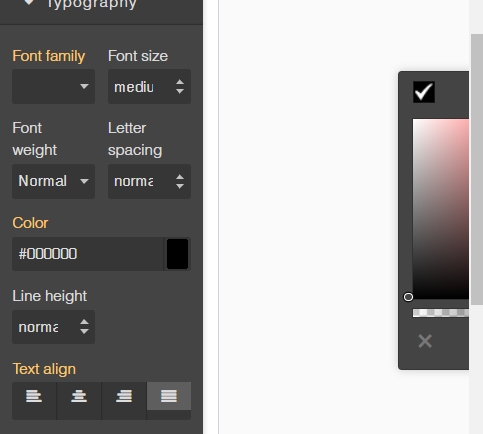
When I click on the datapicker it is displayed in a wrong position outside my window.
Answers (3)
To the color position issue refer to this one https://github.com/artf/grapesjs/issues/1533#issuecomment-432146597
@picozzo92 Are you able to create a minimal reproducible demo of this issue? I'm working on a big canvas refactoring that will probably fix all related issues, having a reproducible demo will help to understand that
I had same issue for colorpicker positioning and concluded that it's position is given related to screen / html tag (position: absolute , left: x px) , but if any parent element containing gjs-editor has position: relative , it will affect modal's position (if for example you have a sidebar on a pa...
Related Questions and Answers
Continue research with similar issue discussions.
Issue #2374
Component style is not updated after the drag event in Dragmode('absolute')
In the new dragmode the component's style is not updated after dragging the component. Expected behaviour:Drag element by clicking on the c...
Issue #1434
Toolbar Hide text element
@artf Please check you demo page text is hiding under the toolbar. how can we update the toolbar position?
Issue #1711
Error in prompt position after moving canvas
1、移动画布 2、点击layerManager(如果不点击layerManager 不会出错) 3、画布里的提示框位置出错 1、 moving canvas 2、 click layerManager (If you don't click layerManager, it w...
Issue #3412
Auto save is working partially and stops working after inserting text
hello guys. I am using this awesome project for a production app written with React.js, So I integrated it inside my app. everything works...
Paid Plugins That Match This Issue
Curated by issue keywords and label relevance to help you ship faster.
Loading paid plugin recommendations...
Check the open-source GrapesJS plugins on GitHub or run a quick search in our free catalog.
Browse free plugins →Premium plugins ship with support, regular updates, and production-ready features — save days of integration work.
Browse premium plugins →Related tutorials
In-depth guides on the same topic.
Tutorial
Super Tooltip for GrapesJS — Version 0.1.5 Released 🎉
We’re excited to announce the v 0.1.5 update of Super Tooltip, our floating‑menu and tooltip plugin for GrapesJS
Tutorial
GrapesJS in 2026: The Complete Guide to the Open-Source Web Builder Framework
Master GrapesJS in 2026. Architecture, code examples, React integration, plugin development, Studio SDK, and how it compares to other projects
Browse Plugin Categories
Jump directly to plugin category pages on the marketplace.