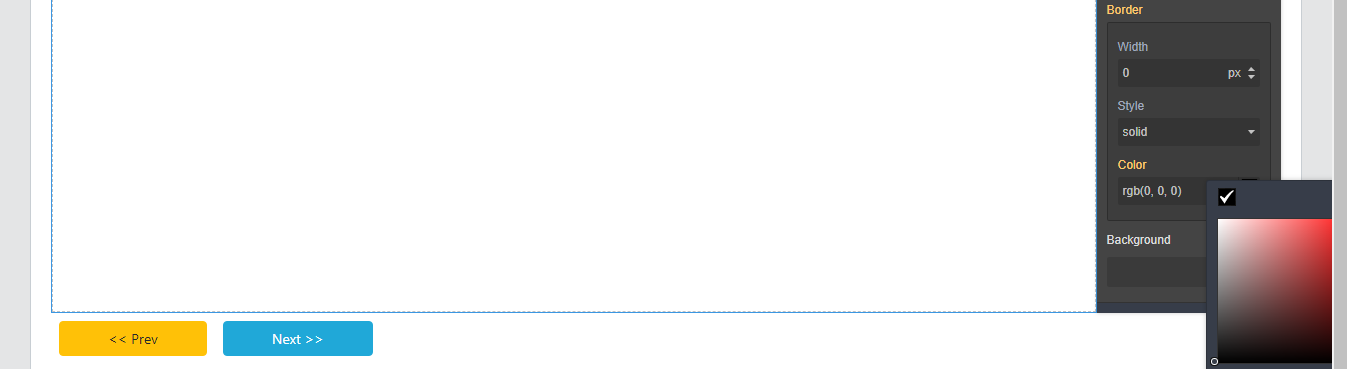
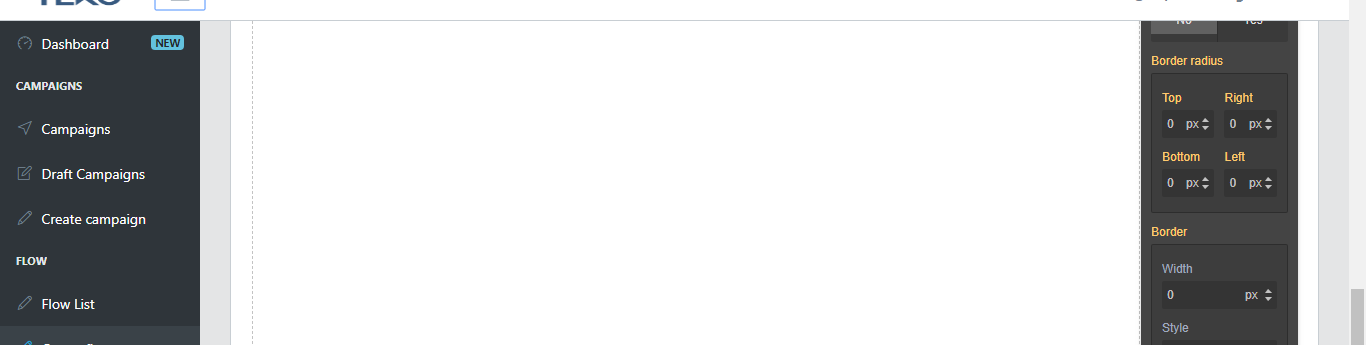
Color picker goes outside the editor screen when NOT FULL SCREEN
I have defined the exact position on color picker definition, for example
Read full answer below ↓Question
Hi, I have successfully contained div id="gjs" inside of another div container with left side menu and top menu. It's working well, but there is a problem. When i click on color picker to change background color, it does show up outside the screen. How can i fix it?
Answers (3)
I have defined the exact position on color picker definition, for example
grapesjs.init({
                ...
                colorPicker: {
                    appendTo: 'parent',
                    offset: { top: 26, left: -166, },
                },
                ...
});
@alfaalex81 thank for your help. I did solve the problem by making its parents position to static so that the color picker position (absolute) align to the root (view port).
This thread has been automatically locked since there has not been any recent activity after it was closed. Please open a new issue for related bugs.
Related Questions and Answers
Continue research with similar issue discussions.
Issue #1064
Editor only meant to be fullscreen?
I have successfully contained div id="gjs" inside of another div container so that it would not take up the full screen. I am doing this so...
Issue #1505
Adding row and sections not working
i am integrating grapejs with angular6. but it is not working means it is not showing on blocks i am using following code
Issue #519
No Blocks by default
Using this code I get an editor but there are no blocks. I also do not get the icons for the screen size but other icons are there. As you...
Issue #1865
Grapes change page position
Hello, I found the following problem using grapes inside an html page: when you click on some elements of the editor, such as the arrow to...
Paid Plugins That Match This Issue
Curated by issue keywords and label relevance to help you ship faster.
Loading paid plugin recommendations...
Check the open-source GrapesJS plugins on GitHub or run a quick search in our free catalog.
Browse free plugins →Premium plugins ship with support, regular updates, and production-ready features — save days of integration work.
Browse premium plugins →Related tutorials
In-depth guides on the same topic.
Browse Plugin Categories
Jump directly to plugin category pages on the marketplace.