Define or hide properties for specific components
I'm not sure if this is the optimal way of doing it but you can listen to the event component:selected and if the component selected is the one you want you can add a new sector. Then you need to listen to the event component:deselected and if the component deselected is the one from before you remove the extra sector...
Read full answer below ↓Question
Hi,
I'm wondering if there is the possibility to define properties for specific components. I mean, when I select the component Image I would like that in the style manager panel the section relative to the Typography is not shown; in the same way, when I select a Table component I would like to see in the style manager a property My Property in the Dimension panel that I want available only for the Table component. Is this possible?
Thank you!
Answers (3)
I'm not sure if this is the optimal way of doing it but you can listen to the event component:selected and if the component selected is the one you want you can add a new sector. Then you need to listen to the event component:deselected and if the component deselected is the one from before you rem...
Actually, you can also rely on a few Component's properties made exactly for this purpose:stylable - True if it's possible to style the component. You can also indicate an array of CSS properties which is possible to style, eg. ['color', 'width'], all other properties will be hidden from the style...
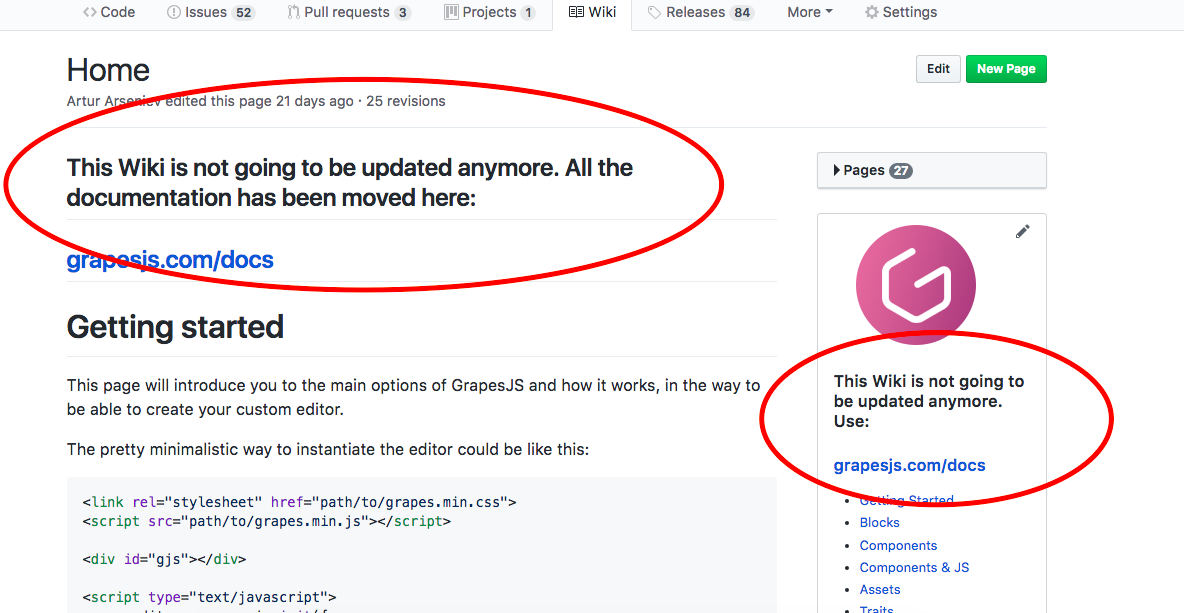
@peakrams the warning is actually there but the Github's Markdown doesn't let you apply custom styles to make it more visible ¯\_(ツ)_/¯
Related Questions and Answers
Continue research with similar issue discussions.
Issue #1709
Is it possible to affect child component's styling through parent component's style manager?
Hello there! Awesome project and thanks for your contribution. I would like to know if it is possible to change the styling of a child comp...
Issue #1144
Custom property to change multiple settings
Is there a way to extend a current property or create a new one to change multiple properties? I have a component in which I would like to...
Issue #917
Custom style properties per element
Is it possible to have custom style property UI per element. For example, consider that I want the font-size to be shown as textbox for tex...
Issue #2097
New views question
Hello all, Is there is any simple way to add a new view right next to the style manager? I would like to create a new view that will show s...
Paid Plugins That Match This Issue
Curated by issue keywords and label relevance to help you ship faster.
Loading paid plugin recommendations...
Check the open-source GrapesJS plugins on GitHub or run a quick search in our free catalog.
Browse free plugins →Premium plugins ship with support, regular updates, and production-ready features — save days of integration work.
Browse premium plugins →Related tutorials
In-depth guides on the same topic.
Browse Plugin Categories
Jump directly to plugin category pages on the marketplace.