Model not able to change after changing value in custom Select dropdown menu.
When I used the previous version of GrapesJS, it works fine. [Edit] Not working in Latest @ v0.14.9, but working fine in v0.14.6
Read full answer below ↓Question
Hey,
I'm using CDN link for grapes js from unpkg.com
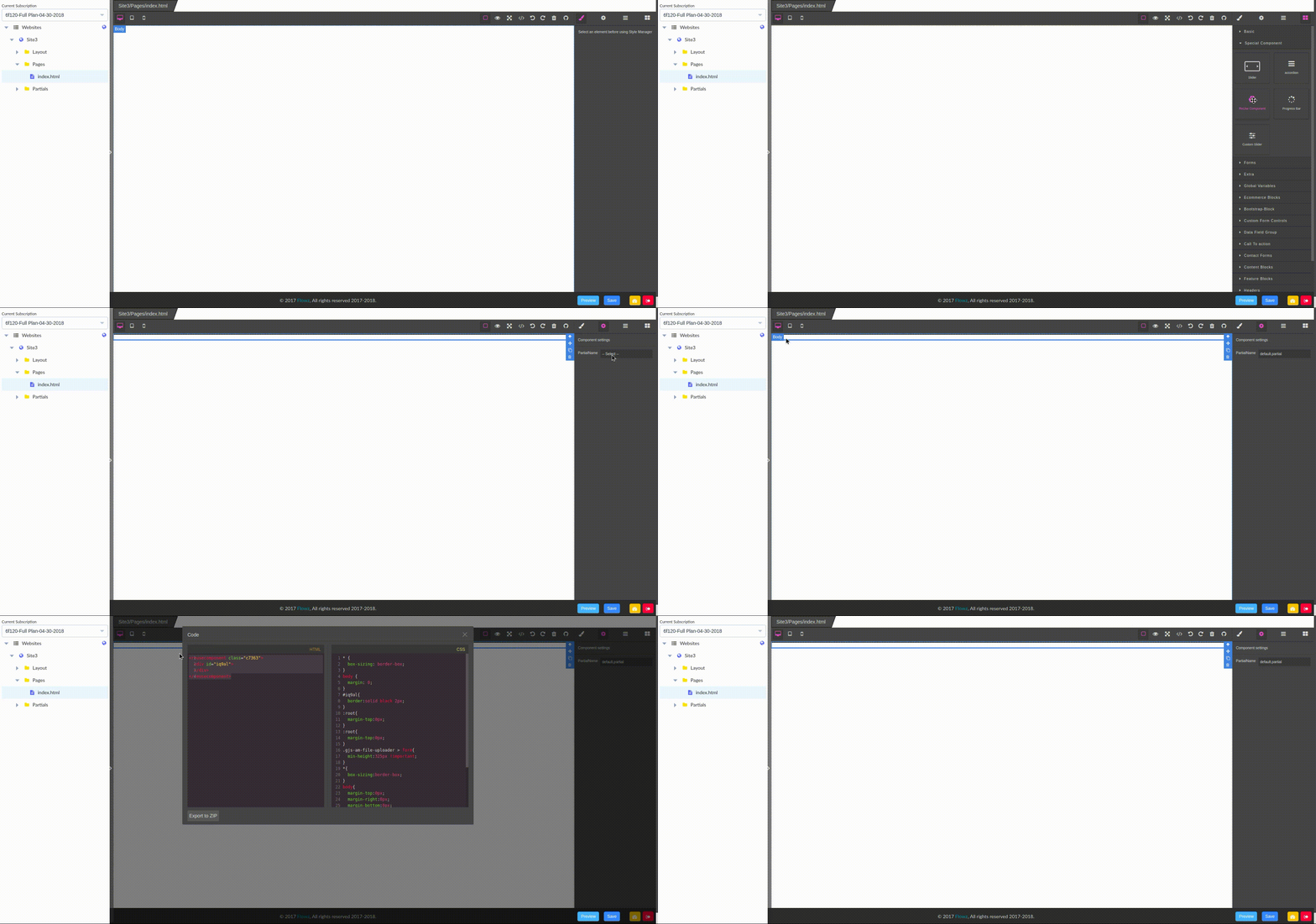
In my project, I've used custom trait as a drop-down select menu which changes HTML using model.components. But today, the value is not reflecting in editor html.
Answers (3)
When I used the previous version of GrapesJS, it works fine. [Edit] Not working in Latest @ v0.14.9, but working fine in v0.14.6
Can you show me please your implementation of that trait? A live demo with jsfiddle it's even better
This issue has been automatically closed because there has been no response to our request for more information from the original author. With only the information that is currently in the issue, we don't have enough information to take action. Please reach out if you have or find the answers we ne...
Related Questions and Answers
Continue research with similar issue discussions.
Issue #2008
The canvas turns dark and unmodifiable on adding a large piece of custom html.
I used to add custom html with editor.addComponent(). It works well at most of the time, but when I try to insert a large piece of HTML whi...
Issue #1092
Traits and storage trigger
Hey, maybe it's not bug, i'm not sure. I have traits with changeProp: true field. When I change the value of trait by UI, model is changed...
Issue #1888
Add custom html inside canvas
Hi there, I'm using grapes to export a custom json with all the information i need, instead of HTML and CSS. For doing that I'm parsing the...
Issue #1493
Render() works on the first time but not on subsequent calls
Hello, I've created a custom component that shows images using background-image on a <div> instead of using an <img> element. It's mostly w...
Paid Plugins That Match This Issue
Curated by issue keywords and label relevance to help you ship faster.
Loading paid plugin recommendations...
Check the open-source GrapesJS plugins on GitHub or run a quick search in our free catalog.
Browse free plugins →Premium plugins ship with support, regular updates, and production-ready features — save days of integration work.
Browse premium plugins →Browse Plugin Categories
Jump directly to plugin category pages on the marketplace.