
Blocksmith
Dec 10, 2025 • 10 months ago
3 min read1,886 views
If you’ve ever tried to build invoices, reports, proposals, or client documents using a drag-and-drop editor — you know how tricky it can get to maintain consistent layout, clean markup, and print/email compatibility. That’s where GrapesJS Document Blocky comes in.
✅ What is Document Blocky?
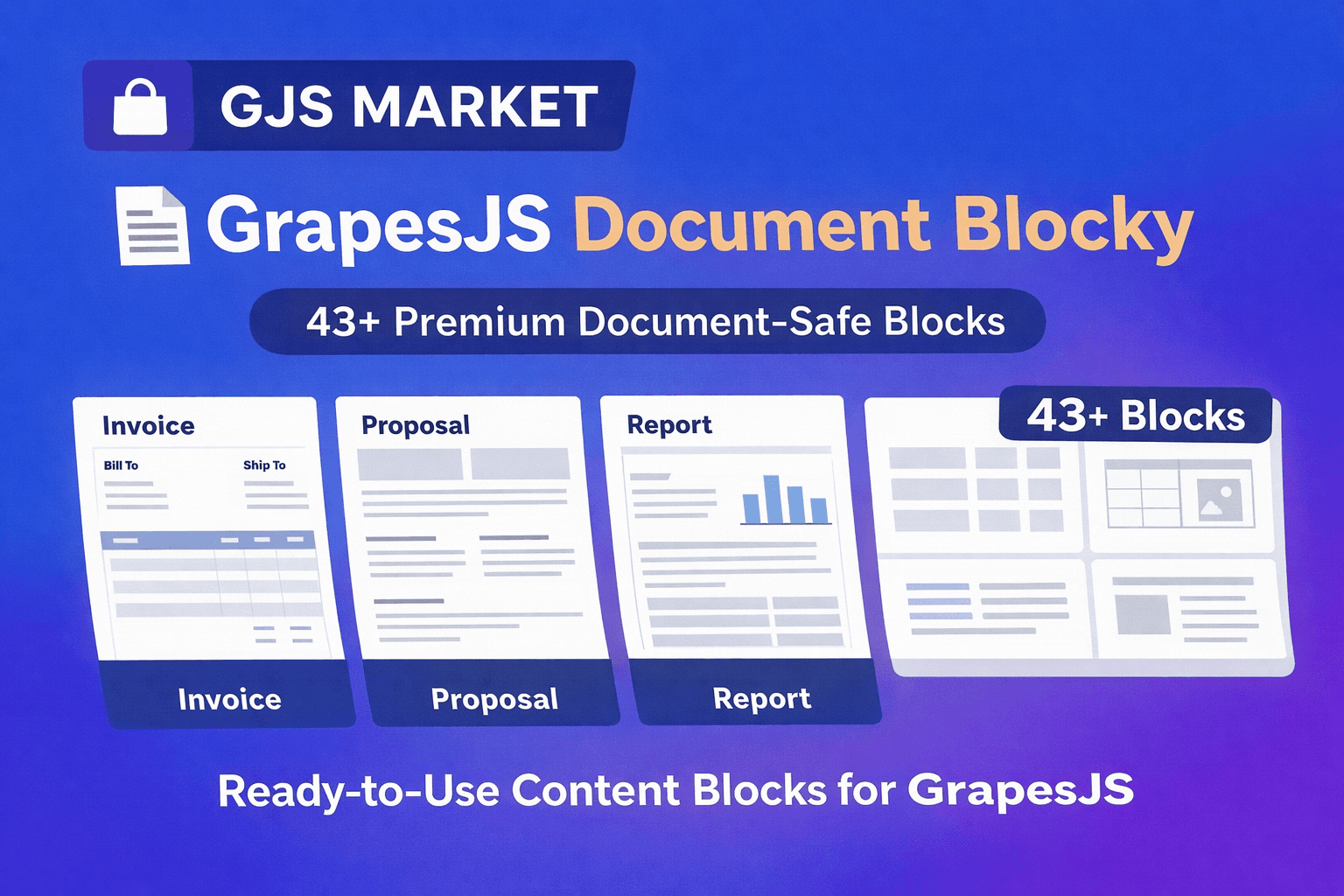
Document Blocky is a premium block-set plugin for GrapesJS, tailored specifically for document-style layouts rather than typical web pages. It offers 40+ ready-to-use, document-safe blocks — from headers and footers to item tables, signature lines, client info sections, totals, reports, proposals, and more.
All blocks are built using table-based HTML (not heavy frameworks or unnecessary CSS), which ensures:
- Maximum compatibility with document generators and PDF exporters
- Reliable rendering across browsers, email clients, and print views
- Clean, semantic output ideal for invoices, quotes, contracts, reports, and other formal documents
🧩 Why It’s Special
- Designed for documents — not websites. Many block libraries focus on web layouts; Document Blocky is optimized for documents: spacing, typography, headers/footers, tables, and printable structures.
- Clean, lightweight, framework-free HTML. No bulky frameworks or external dependencies — just simple, reliable markup, making it easy to export to PDF or integrate into SaaS/CRM systems.
- Fully drag-and-drop inside GrapesJS. You can use Document Blocky in any GrapesJS project (vanilla, React, Vue, SaaS platforms) — building documents with the same intuitive UI as web pages.
- Ready for production use. Whether you need to generate invoices, proposals, reports, quotes, or internal documents — Document Blocky gives you a starting point so you don’t need to build each layout manually.
🚀 Use Cases
- Invoicing / Billing SaaS — Build invoice templates, service receipts, or billing statements.
- Proposal & Contract Generators — Create professional proposals or contracts with client data sections, totals, signature blocks.
- CRM / ERP Systems — Export client reports, summaries, quotes or statements from internal dashboards.
- Internal Reports / Administrative Docs — For teams needing printable, well-structured documents without writing HTML from scratch.
- Email + PDF Workflows — Because blocks are table-based and document-safe, exports to PDFs or email-ready documents tend to be more reliable.
🛠️ How to Get Started
- Purchase Document Blocky on GJS.MARKET
- Install and add the plugin to your GrapesJS configuration.
- Open the editor: you’ll find a new document-oriented block category — drag and drop sections as needed.
- Customize content (client details, items, totals, etc.), adjust styling, and export or integrate with your document generation pipeline.