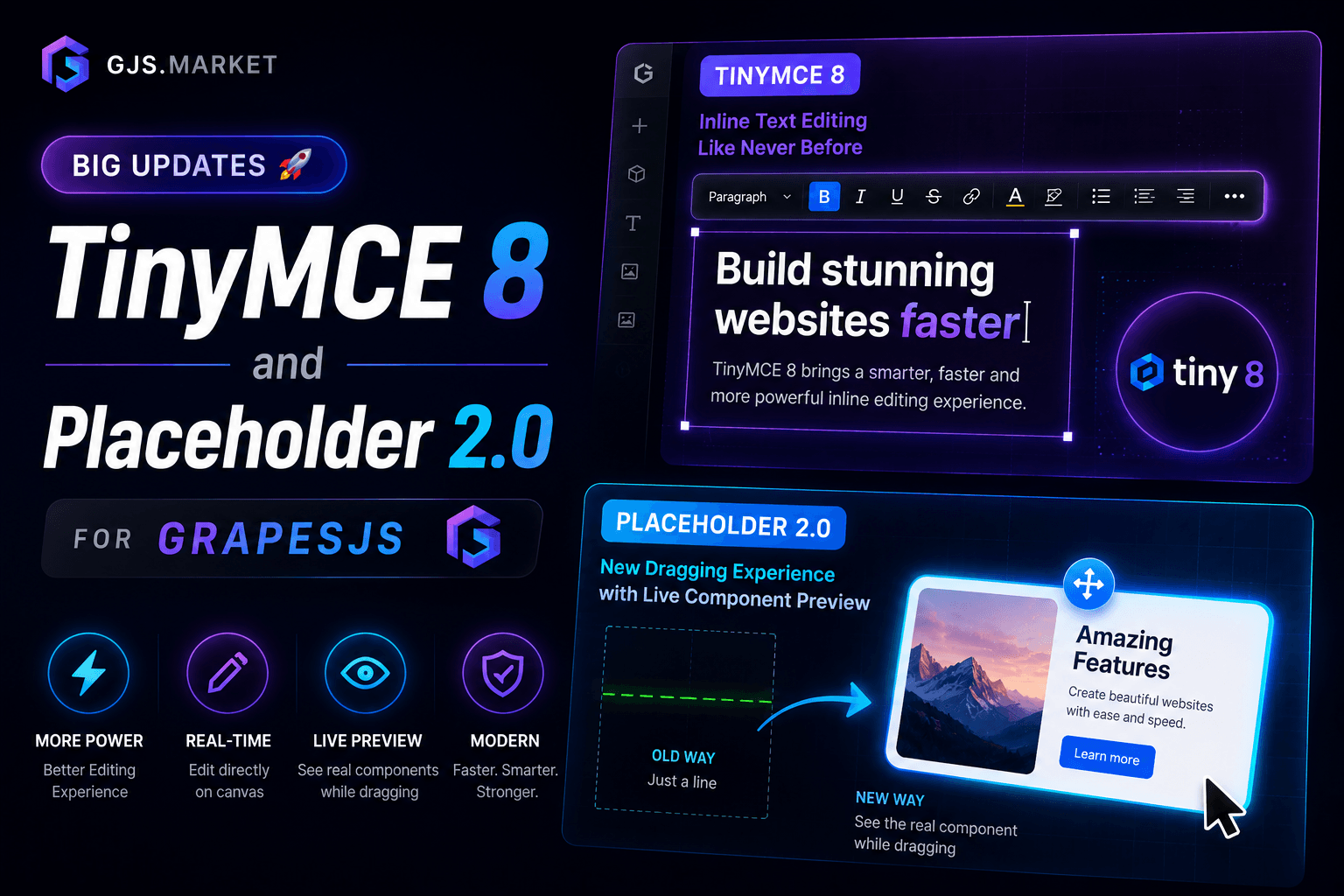

TinyMCE 8 Inline Text Editor — a new chapter
The plugin now runs on TinyMCE 8 — the latest release of one of the most capable WYSIWYG editors out there. We kept the package name the same, but under the hood this is a fundamentally different plugin.
What's new
Two editing modes out of the box. Block elements (<p>, <div>, <li>, etc.) get the full toolbar — formatting, indentation, alignment, lists, links. Inline elements (<span>, <a>, <button>, <h1>–<h5>) get a compact inline_toolbar, and — crucially — pressing Enter inside an inline element now inserts <br> instead of breaking out of the element.
First-class GrapesJS Studio support. The new parentToolbar: true option renders the toolbar in the parent document, which eliminates z-index conflicts with the Studio selection overlay and component badges. The toolbar also stays visible when focus moves between the iframe and TinyMCE dropdowns — no more flicker.
Serious technical overhaul. The source is now a full TypeScript rewrite with bundled .d.ts type definitions. We fixed memory leaks and an XSS vulnerability that lived in the 0.1.x branch. There's a new public destroy() method for explicit teardown — every event listener, MutationObserver, and toolbar DOM node is released cleanly.
Flexible configuration. Works with both Tiny Cloud CDN and a self-hosted TinyMCE. The new tinymce option is a pass-through for any native tinymce.init() parameter — license_key, content_style, font_family_formats, toolbar_mode, anything you need. The toolbar accepts either a single string ('bold italic | link') or an array of strings for multi-row layouts.
Compatibility
- GrapesJS:
≥ 0.21, < 1.0 - TinyMCE:
8.x - Bundles: ESM + UMD + TypeScript declarations
- Works with both open-source GrapesJS and GrapesJS Studio SDK
Placeholder 2.0 — Premium Drag Experience
The default grey rectangle GrapesJS shows while dragging isn't exactly a premium experience. Placeholder 2.0 replaces it with a live, full-size preview of the block — with all its styles applied — plus smooth animations and drop-zone highlighting. Users see exactly what they're placing and exactly where it will land.
What's in v1.5.0
This isn't a patch — it's a ground-up rebuild. Same behavior you loved, modern toolchain underneath.
- TypeScript-first — full source rewrite with bundled
.d.tsdeclarations for instant autocomplete. - GrapesJS 0.21 and 0.22 work out of the box.
- ~8 KB gzipped — Vite-powered build, roughly half the size of the old Webpack bundle.
- 10 built-in animation presets + support for your own
@keyframes. - Custom placeholder mode — if a live preview isn't right for your UX, swap it out for your own HTML/CSS (a thin drop indicator, for example).
- Configurable drop-zone color via
dropZoneColor— match your brand. - Fine-tuned timings exposed —
flipDurationMs,flipThresholdPx, andescapeDispatchDelayMsare now public options. - Clean teardown — idempotent
destroy(), no leaked listeners oneditor.destroy(). - Option validation — invalid values fall back to defaults with a clear
console.warninstead of breaking silently. - 76 unit + integration tests on Vitest, plus a Playwright E2E suite.
- Firefox fixes — drag-outside-canvas behavior is now reliable across all major browsers.
- GrapesJS Studio SDK compatibility — works inside the Studio editor.
10 animations for every vibe
From a soft Slidein (scale + fade + max-height) and Zoom-in soft with a cubic-bezier overshoot, to a dramatic Flip-in (3D X-axis flip) and an Elastic drop with a bouncing landing. And if none of the presets fit, plug in your own — pass customAnimation with @keyframes and an .animation class, and the plugin picks it up.
Where it shines
- SaaS page builders — gives users a genuinely premium drag-and-drop feel.
- CMS editors — content blocks feel tangible.
- Email builders — block placement is visible before the drop.
- Landing-page tools and GrapesJS Studio projects.
Why upgrade from the original
If you're still on the original Placeholder plugin: it was built on Webpack 3 + Babel 6 and no longer plays well with modern toolchains. No TypeScript, no types, no Studio SDK support, hardcoded colors and timings, no destroy() — and listeners leaked across editor instances. v1.5.0 fixes all of it without changing the public API, so migration doesn't require rewriting your integration.
What's next
Both plugins now sit on the same modern foundation: TypeScript, clean teardown, config validation, Studio SDK support. That's the base we'll build the next round of features on — stay tuned.
If you already own these plugins, updates are included in your license — grab the new versions from your GJS.Market account. If you don't, both are currently discounted.
Questions, bug reports, ideas — send them our way. We read everything.
— The Devfuture team